EasyManua.ls Logo

WMF 2000 S - Deleting and Viewing Timer Information

WMF 2000 S
72 pages
Print Icon
To Next Page IconTo Next Page
To Previous Page IconTo Previous Page
Loading...
25
User Manual WMF 2000 S
Software
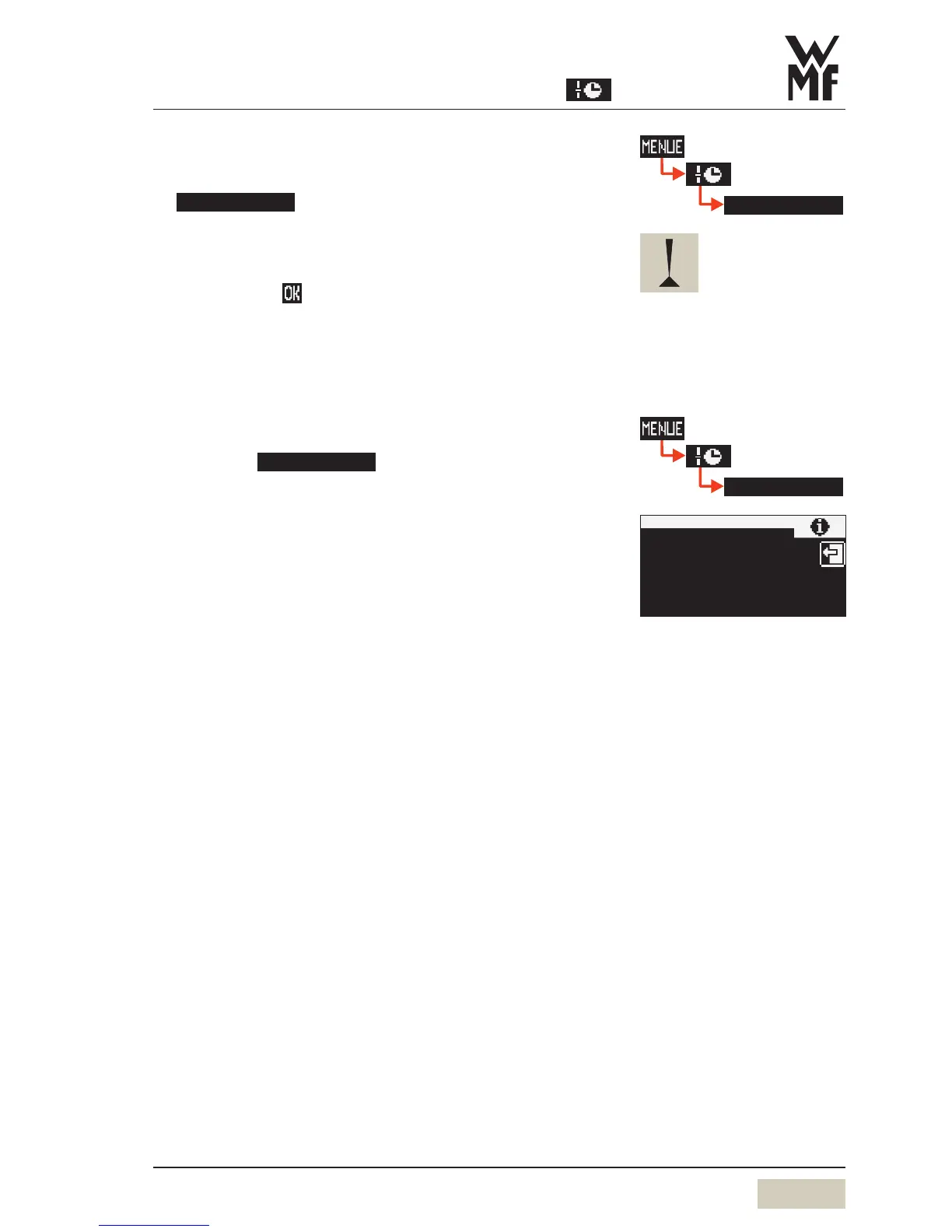
Delete timer
Touch on page 2 of the timer main program menu
delete timer
Scroll to desired day and touch to select
A security dialogue now appears querying whether
deletion is actually intended.
Confirm with
The day is deleted with all its switching times.
Besides individual days, “all workdays or the entire week
can also be deleted.
Timer information
Touching the
timer info
pad calls up a display with
the next switching time and the timer state (On / Off).
delete timer
This action cannot be undone.
timer info
timer info
timer status
on
switch off
next program
operating time
18:00

Table of Contents

Other manuals for WMF 2000 S

Related product manuals