Initial setup
6
2.2 Installation and connection
> Unpack the automatic coffee machine.
> Place the automatic coffee machine on a stable, horizontal surface that is waterproof and
heat-resistant.
5a
7a
5b
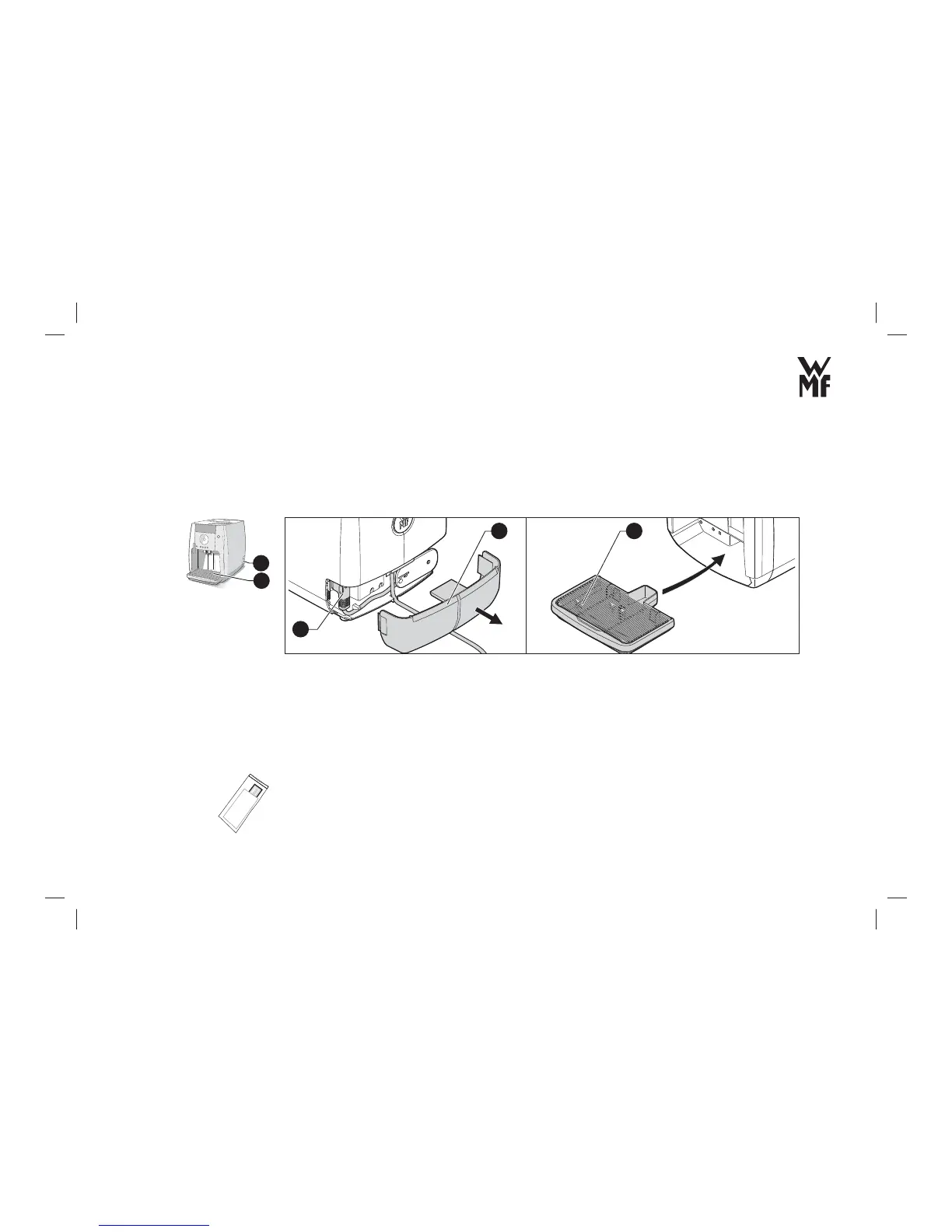
> Remove the cover (5a) from the back.
> Connect the mains cable (5b) provided with the automatic coffee machine.
> Connect the plug to an earthed socket.
> Insert the drip tray with drip tray grid (7a) into the automatic coffee machine.
2.3 Testing the water hardness
> Dip the carbonate hardness-test strip provided (for about 5 seconds) in your tap water.
30 seconds later, you can read the degree of hardness with the help of the colour scale on the test strip
package.
5
7



 To Next Page