Operation
25
3.4 Basic settings
Following settings can be adjusted:
Basic settings
Language* Display of time/date
Time* Special information tone
Date* Brewing temperature
Switch off time* Factory settings
Water hardness* Display contrast
Water fi lter* Energy saving mode*
Warm-up rinse
The basic settings marked with a * have already been set during the commissioning. However, you can subsequently change these values too.
The description for this can be found under the chapter “2 Initial setup”on page 10.
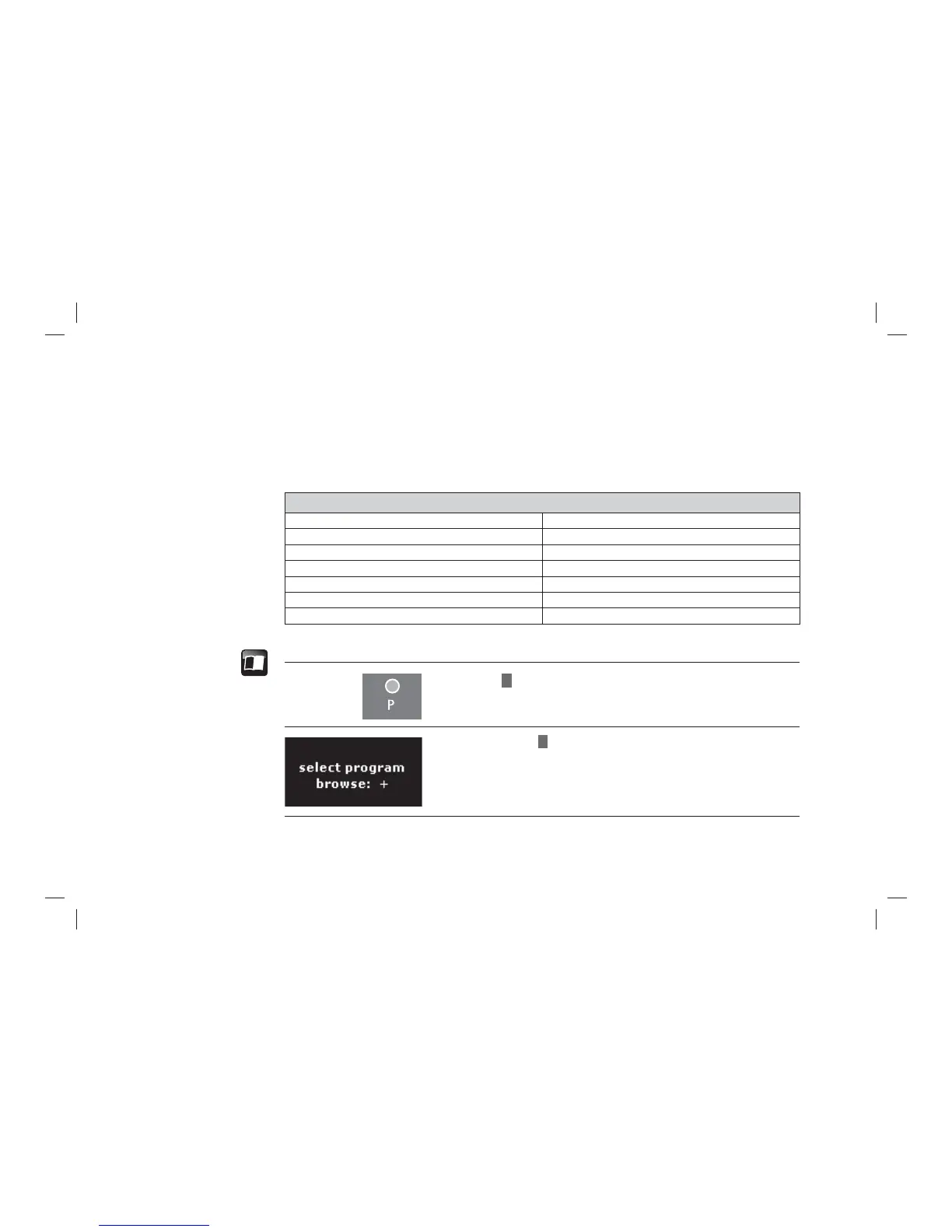
> Press
P
button.
> Browse with
+
for basic settings.
Selecting the basic
settings



 To Next Page