Operation
19
The milk needs to be prepared
(Chapter 3.1.1)
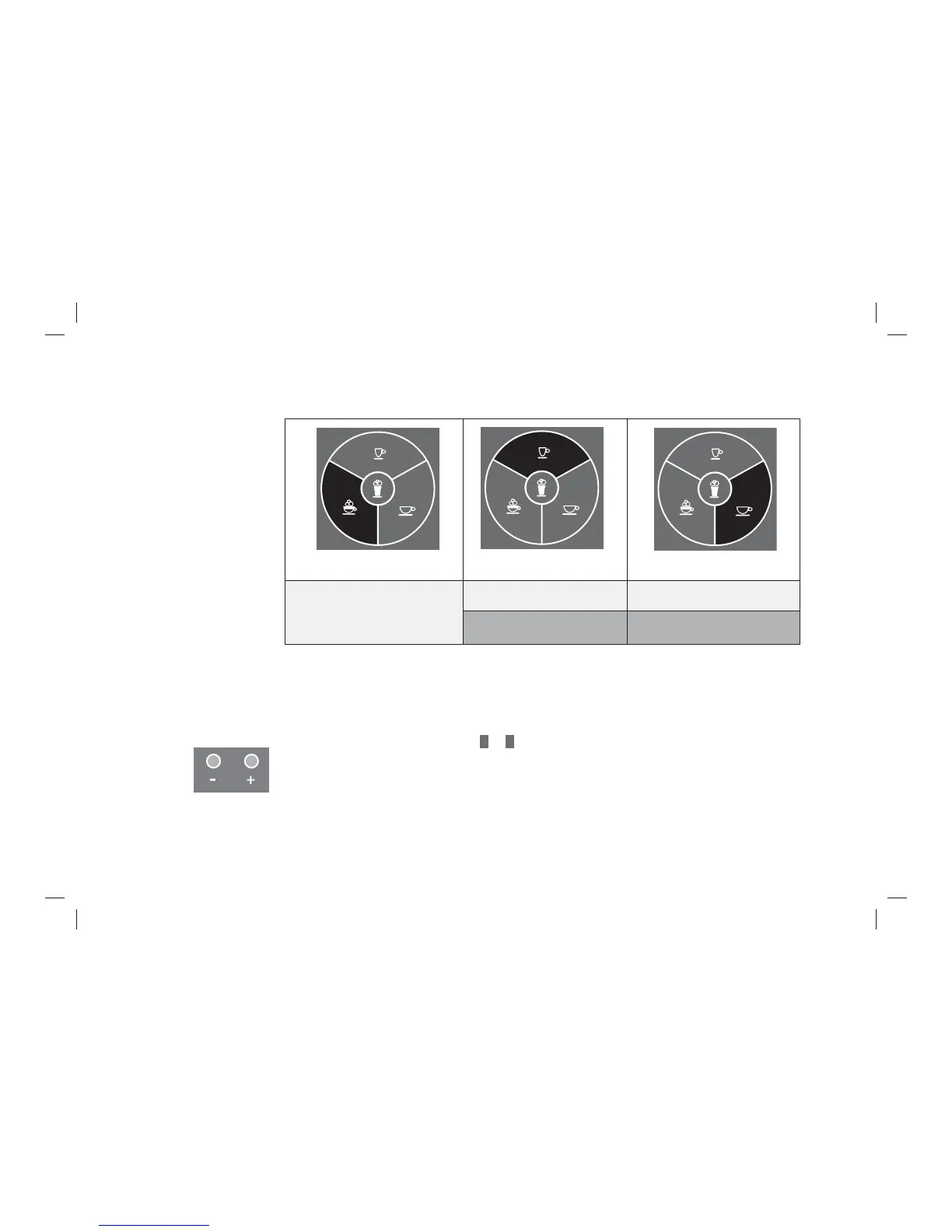
Press: 1x Cappuccino
Press briefl y: 1x Espresso Press briefl y: 1x Café Crème
Keep pressed down:
2x Espresso
Keep pressed down:
2x Café Crème
The name of the beverage appears on the display. The selected beverage is prepared.
3.2.3 Set the coffee strength for the next beverage
Prior to each coffee preparation, you can decide on the desired strength of your next speciality coffee.
> Set the desired coffee strength with
–
or
+
.
The following coffee strengths are available for selection:
- Mild (about 15 % weaker than the saved setting)
- Normal (corresponds to your setting)
- Strong (about 15 % stronger than the saved setting)



 To Next Page