Operation
22
> Press the milk button.
The preparation starts.
> Press the milk button again to stop the delivery.
3.2.6 Hot water dispensing
You can dispense hot water, for example for tea, using the hot water function.
> Place a suitable drinking vessel under the hot water spout.
> Press the hot water button.
The preparation starts.
> Press the hot water button again to stop the delivery.
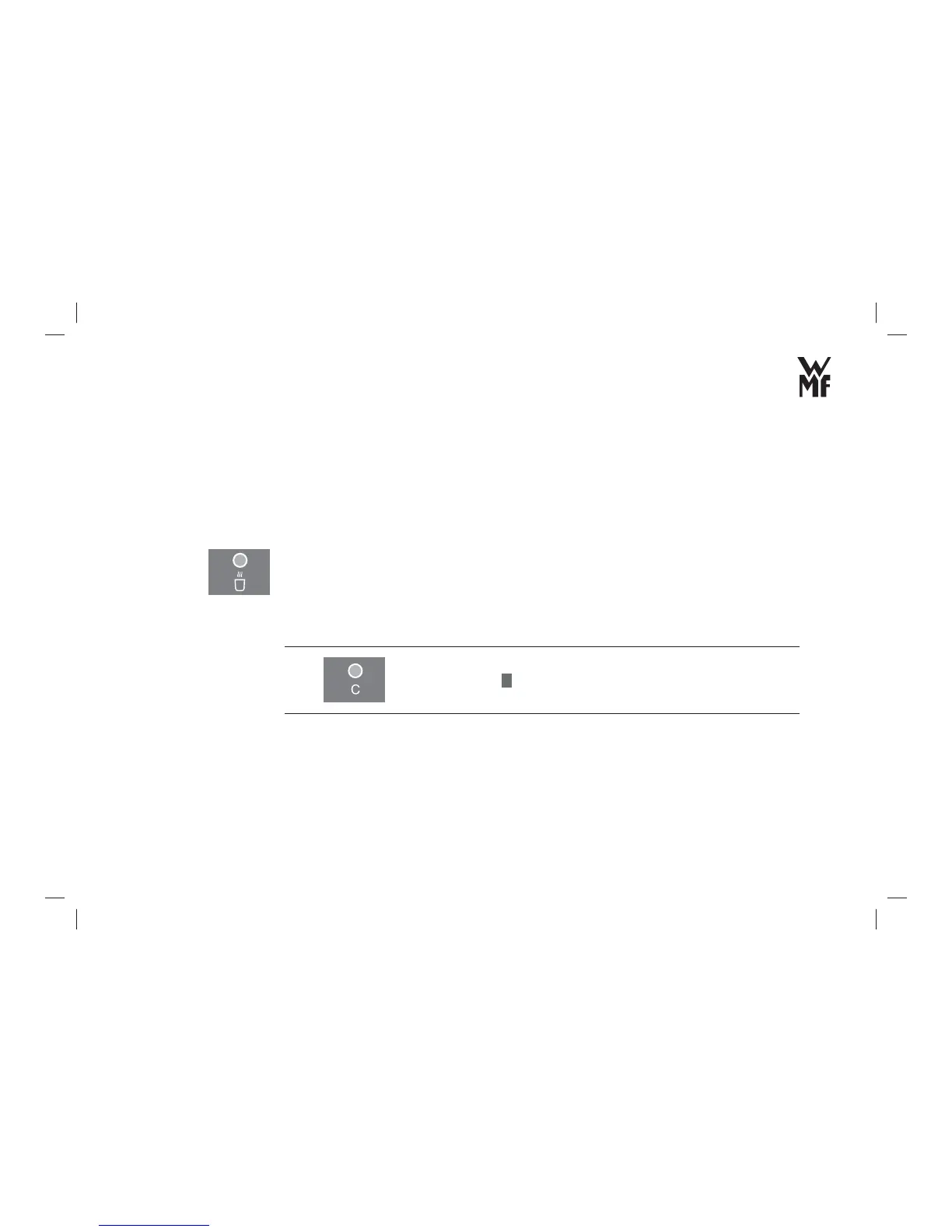
3.2.7 Cancel beverage preparation
You can cancel the current beverage dispensation:
> Press
C
button.
3.3 Carry out the settings
With the beverage settings, you can individually change the recipe of your coffee.
The basic settings are related to the settings for the display and the operation of the automatic coffee
machine.



 To Next Page