Operation
24
> Select the beverage for which you want to change the taste and
the composition with the help of beverage buttons.
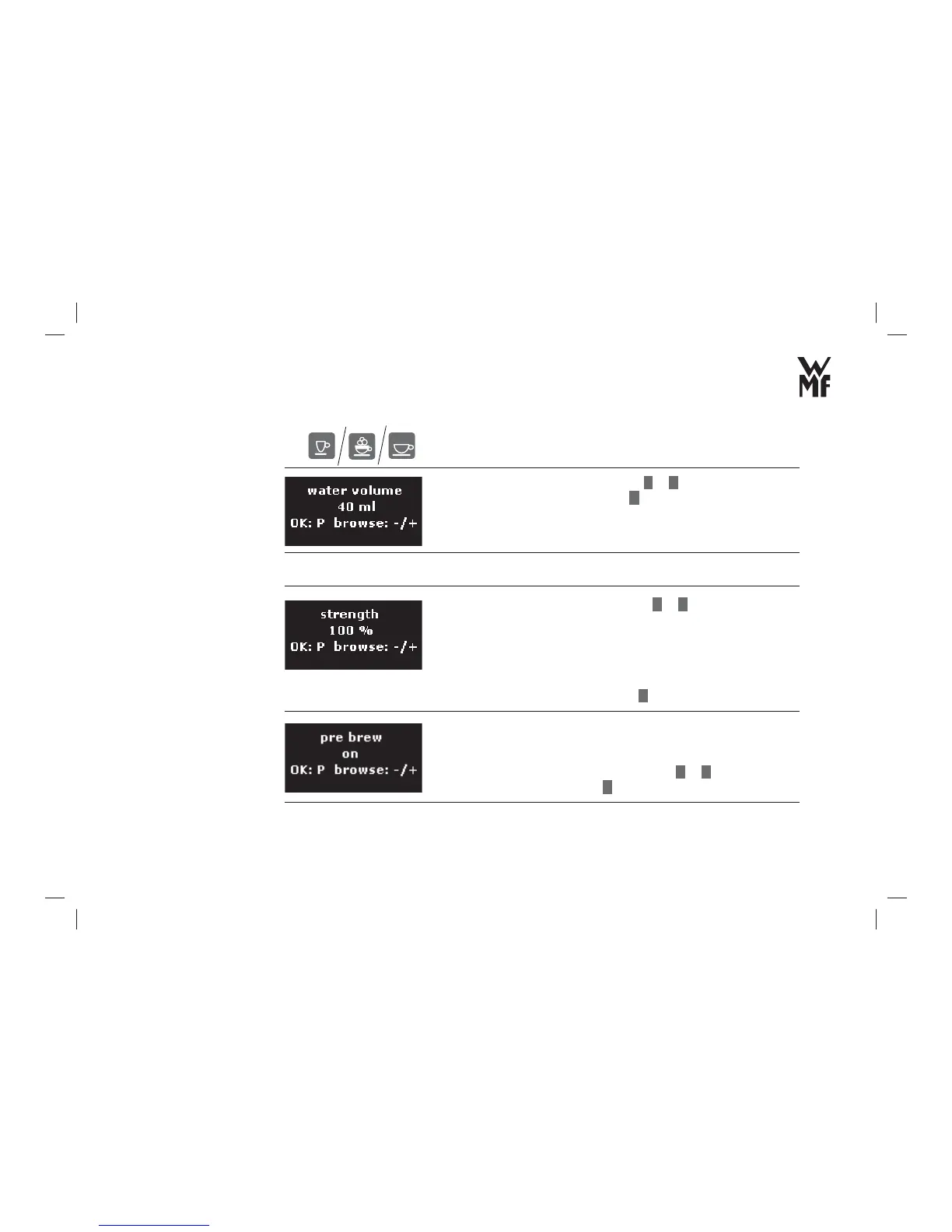
> Set the desired water volume with
–
or
+
in steps of fi ve.
> Confi rm the water volume with
P
button.
> Set the desired coffee strength with
–
or
+
(in each case by 5 % up or down).
The ground quantity varies according to the grinding degree
setting, the used types of coffee, the humidity and several other
infl uences. The factory setting for Espresso corresponds to
approximately 9 grams.
> Confi rm the coffee strength with
P
button.
Pre-brew: Before brewing, the ground coffee is dampened with hot
water. This causes the ground coffee to swell up and the aroma of
many types of coffee can develop better.
> Set the pre-brew function on or off with
–
or
+
.
> Confi rm your setting with
P
button.
Adjusting the water
volume
Adjust the coffee
strength
Pre-brew



 To Next Page