Operation
26
> Confi rm your selection with
P
button.
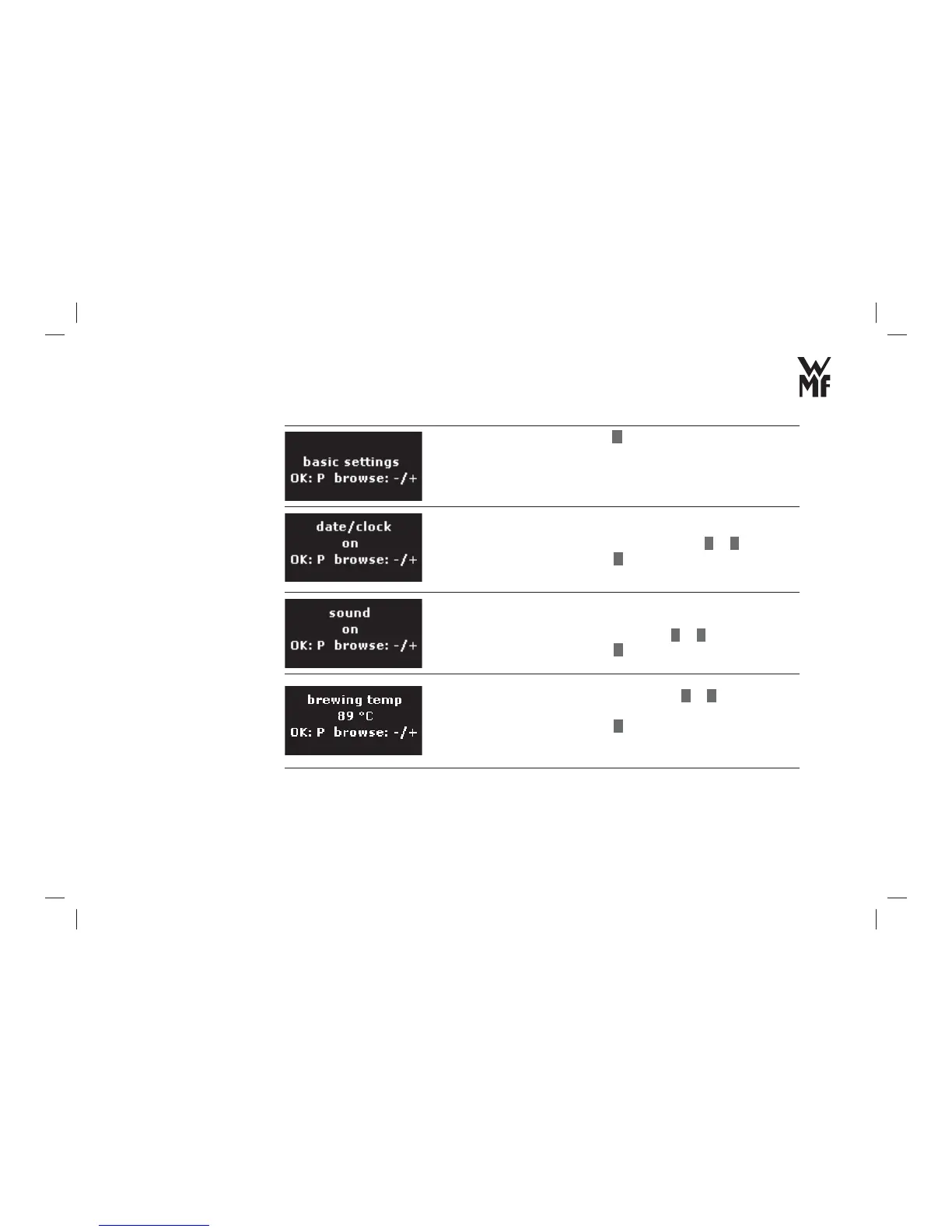
> Set the display of date and time on or off with
–
or
+
.
> Confi rm your selection with
P
button.
> Switch on or off the special information tone for pressing the
control keys and beverage buttons with
–
or
+
.
> Confi rm your selection with
P
button.
> Set the desired brewing temperature with
–
or
+
.
You can choose from 5 steps: 83 °C, 86 °C, 89 °C, 92 °C or 95 °C.
> Confi rm your selection with
P
button.
Allow display of
date/time
Special information
tone
Brewing temperature



 To Next Page