Operation
30
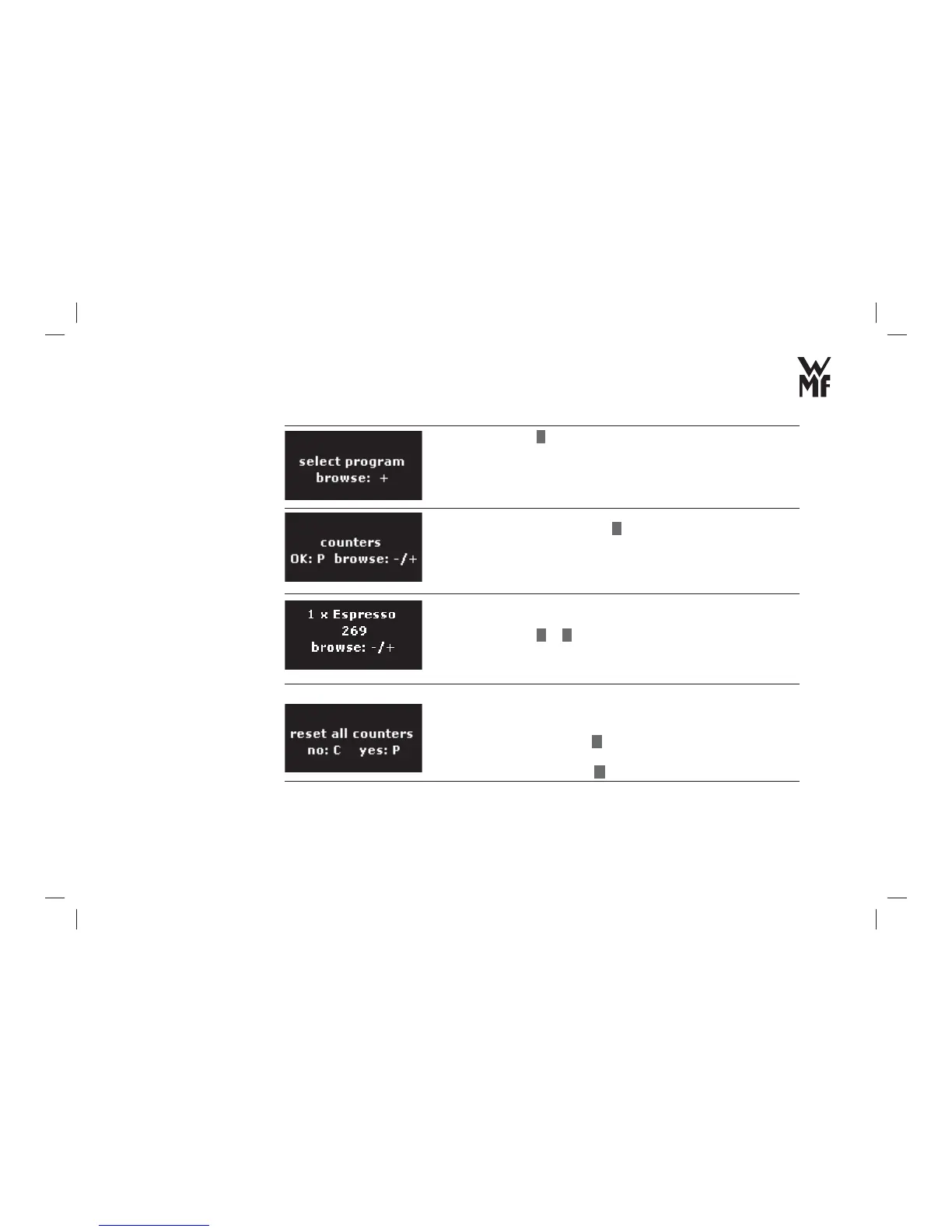
> Browse with
+
for counters.
> Confi rm your selection with
P
button.
You can choose to display the number of beverages prepared.
> Browse with
–
or
+
buttons for individual beverages.
You can reset the counters as soon as all beverages have been
displayed.
> Reset the counters with
P
button.
or
> retain the counters with
C
button.
Select the counters
Allow display of the
number of prepared
beverages?
Reset counters?



 To Next Page