Care
50
8b
7b
8a
7a
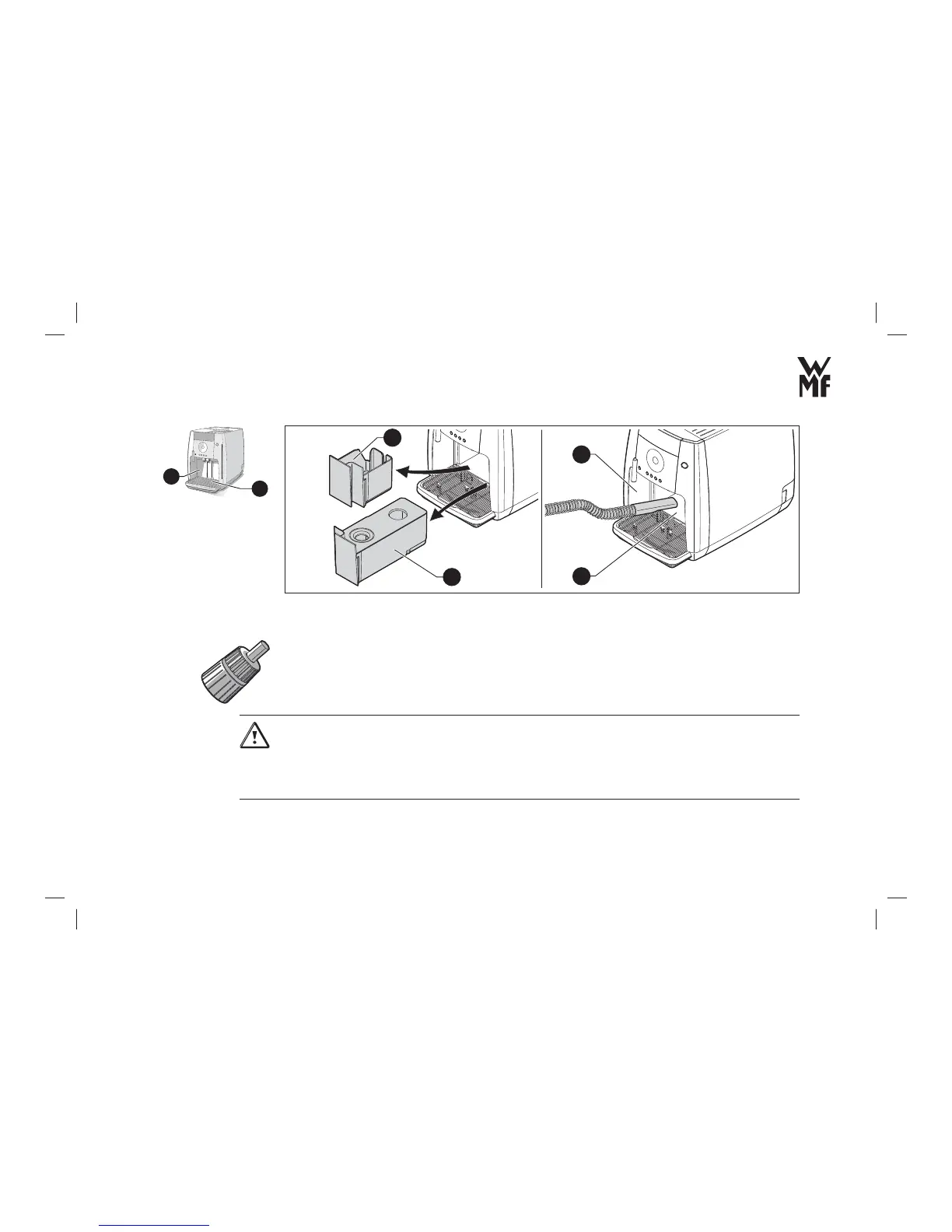
> Pull out the water tank (7a) and the coffee grounds container (8a).
> Remove the residues of ground coffee in both openings using a vacuum cleaner (7b, 8b), for example.
> Turn the thread on the brewing unit head with the Multitool in a clockwise direction until the black
scraper folds in again.
> Insert the dried brewing unit till the lock clicks into place.
> Close the lid of the brewer (15a, Page 48).
Caution!
Possible damage to your automatic coffee machine!
> Never force the brewing unit into your automatic coffee machine.
> When the brewing unit sticks, turn the thread at the brewing unit head slightly to the left or right with
the Multitool.
7
8



 To Next Page