Service 18
2.4.4 Grinder(s) idle current calibration
In order to obtain correct notifications that the bean hopper is empty, a grinder idle current calibration can be performed for each grinder
Interrupt bean feeding → Lock or remove the hopper
Start the grinder idle current calibration and follow the instructions on the display
The measured idle current is then automatically entered in the software
Restore the bean infeed
2.4.5 Dynamic Coffee Assist advance settings
With Dynamic Coffee Assist, beverages with espresso can be monitored and adjusted automatically.
The brewing flow must be set to 3 – 5 ml/s for this.
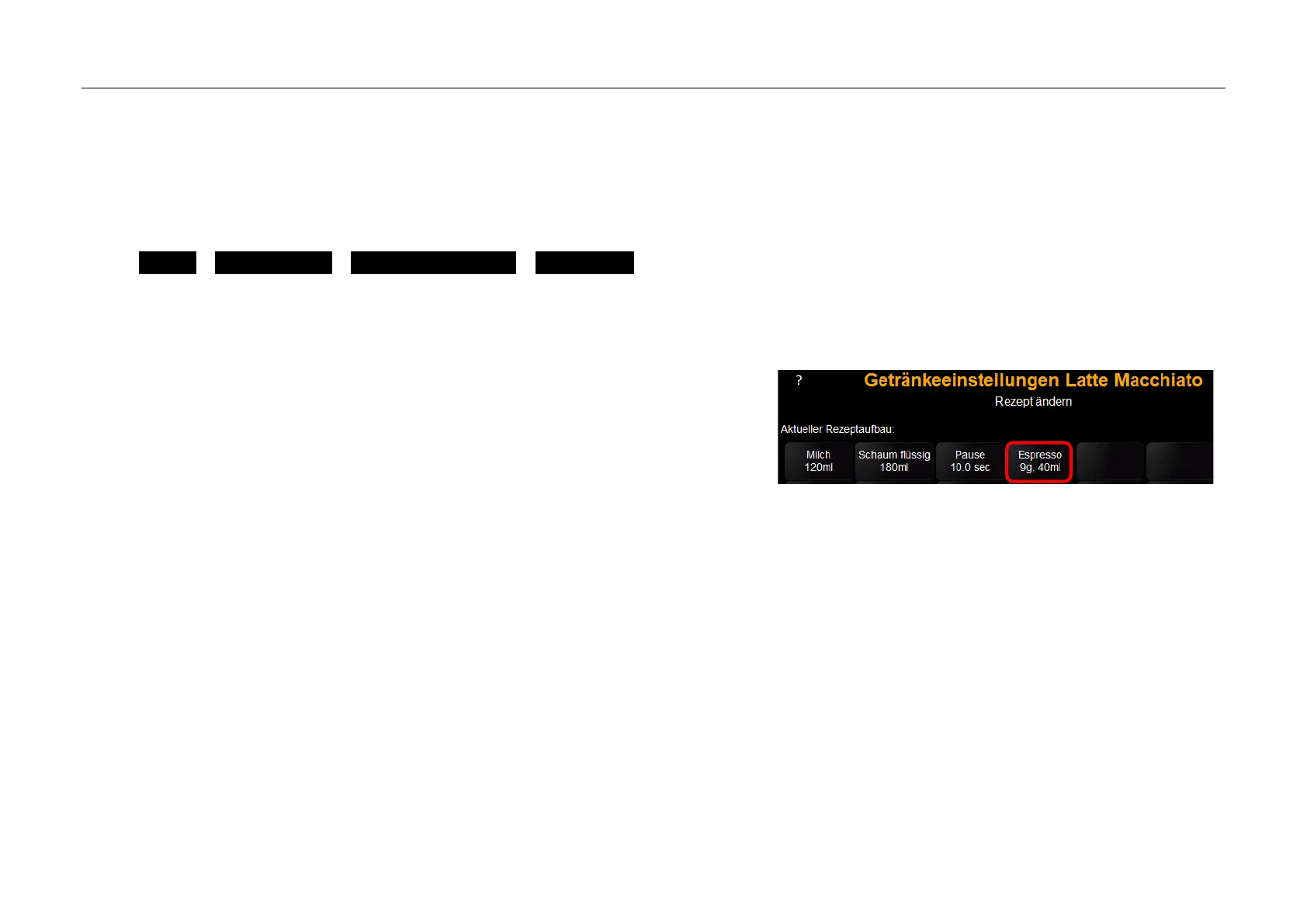
Illustration shows the espresso component of the latte macchiato as
an example
1. Double espresso setting
1.1. Set default setting for Q stage to Q4 and use grinding degree seting to set grinding degree to -1
1.2. 3 Remove the test beverages and adjust the grinding degree from the grinding degree settings until reaching a brew flow of 3-5 ml/s
The brewing flow can be observed by pressing the Info button
1.3. If the brew flow cannot be reached, adjust the wet-pressing value slightly and re-test
1.4. Save beverage
2. Perform portioner calibration for the espresso grinder
3. Check the double espresso again– if necessary, correct the wet-pressing value or quality level
4. Single espresso setting
4.1. Change default setting for the Q stage to Q6
4.2. Remove 3 test beverages and adjust the wet pressing force until reaching a brew flow of 3-5 ml/s
4.3. Save beverage



 To Next Page