25
User Manual WMF9000S +
Operation | Hot water dispensing
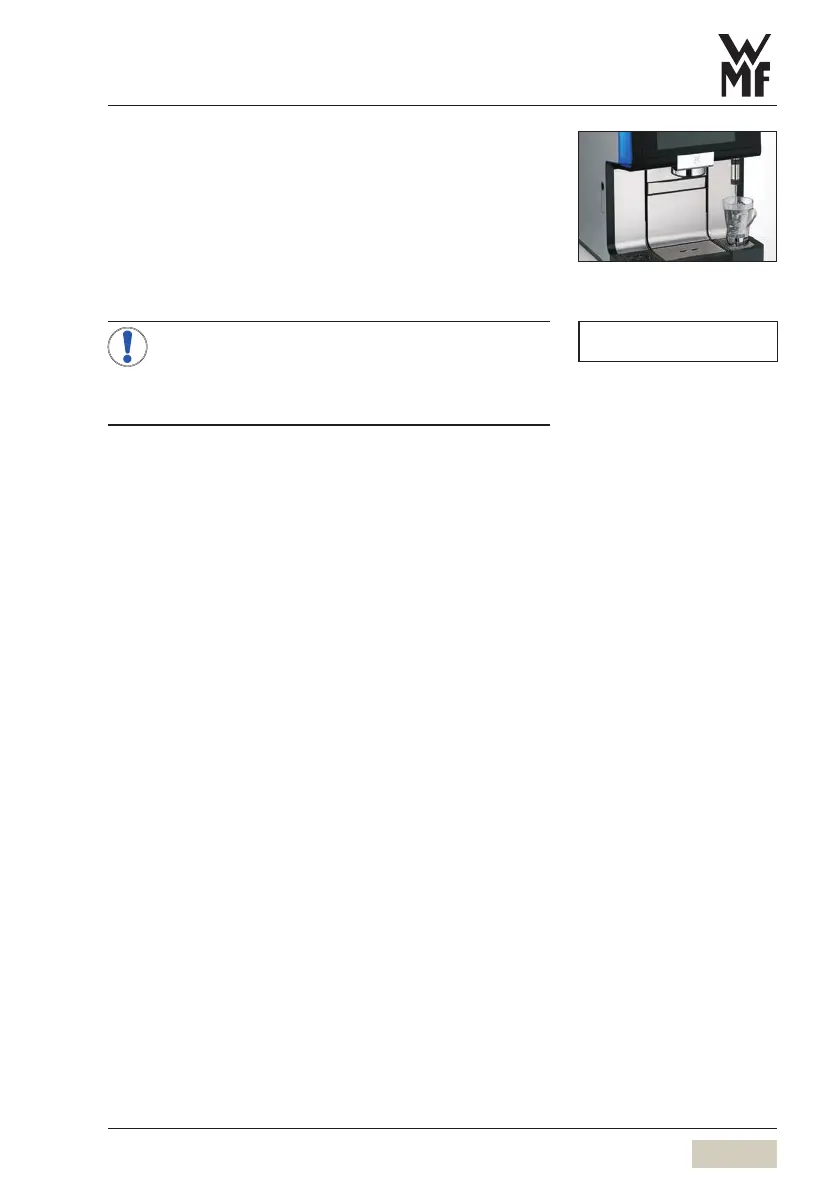
3.8 Hot water dispensing
Place acup of the appropriate size beneath the hot
water spout
Touch the hot water button
Dispensing occurs according to the dispensing option.
Multiple pre-selections are possible for the dispensing
option “metered”.
If “Hot water temperature pre-selection” has
been activated in the software, then touching
the hot water button will bring up aselection of
three dispensing temperatures.
When “Hot water temperature selection” is active
Touch the hot water button
Touch the desired water temperature
Dispensing occurs.
NOTE
Hot water temperature pre-selection
w Operating options
page 57



 To Next Page