40
User Manual WMF9000S +
Software | “Ready to operate” display
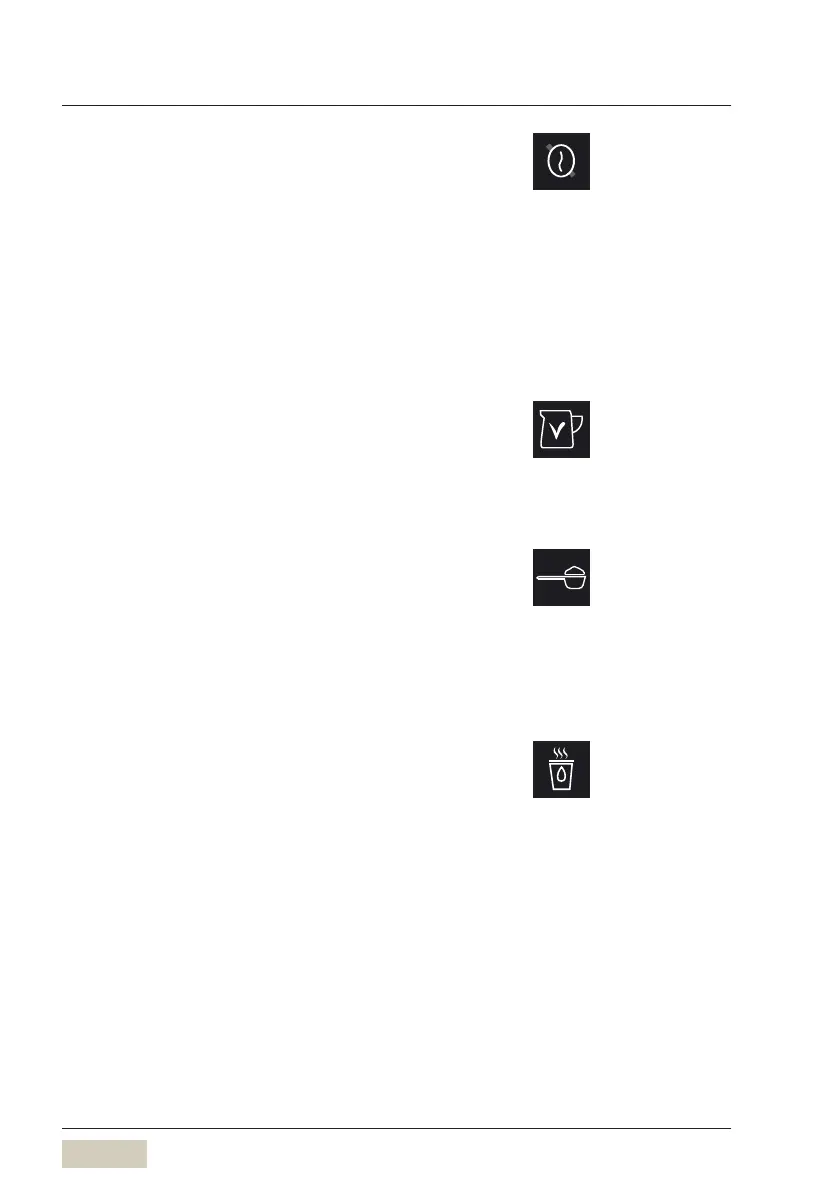
Second type of coffee (decaf)
First of all, assign “decaffeinated” to agrinder in the
machine data
Under operating options, choose “Decaffeinated”
A bean symbol with aline through it is displayed in
the function bar.
Tap the symbol before selecting abeverage
The beverage is then prepared from the beans in the
decaffeinated coffee grinder.
Second type of milk
There is an option to dispense asecond type of milk.
This could be skim milk or asoy drink, for example.
Manual insert pad
The manual insert pad is apre-selection pad.
If the manual insert pad is touched prior to beverage
selection, then the display requests that the ground
coffee be loaded in the manual insert slot. Additional
preground types of coffee can be used.
Hot water button
Hot water button for hot water dispensing. Depending
on the settings, touching this hot water button brings
up aselection of three dispensing temperatures in two
beverage sizes each.
A beverage button can also be assigned for hot water.
Second type of coffee
w Operating options
page 56
Second type of milk
w Operating options
page 54
Manual insert active/inactive
w Operating options
page 55
Hot water temperature pre-selection
w Operating options
page 57



 To Next Page