72
User Manual WMF9000S +
Software | System
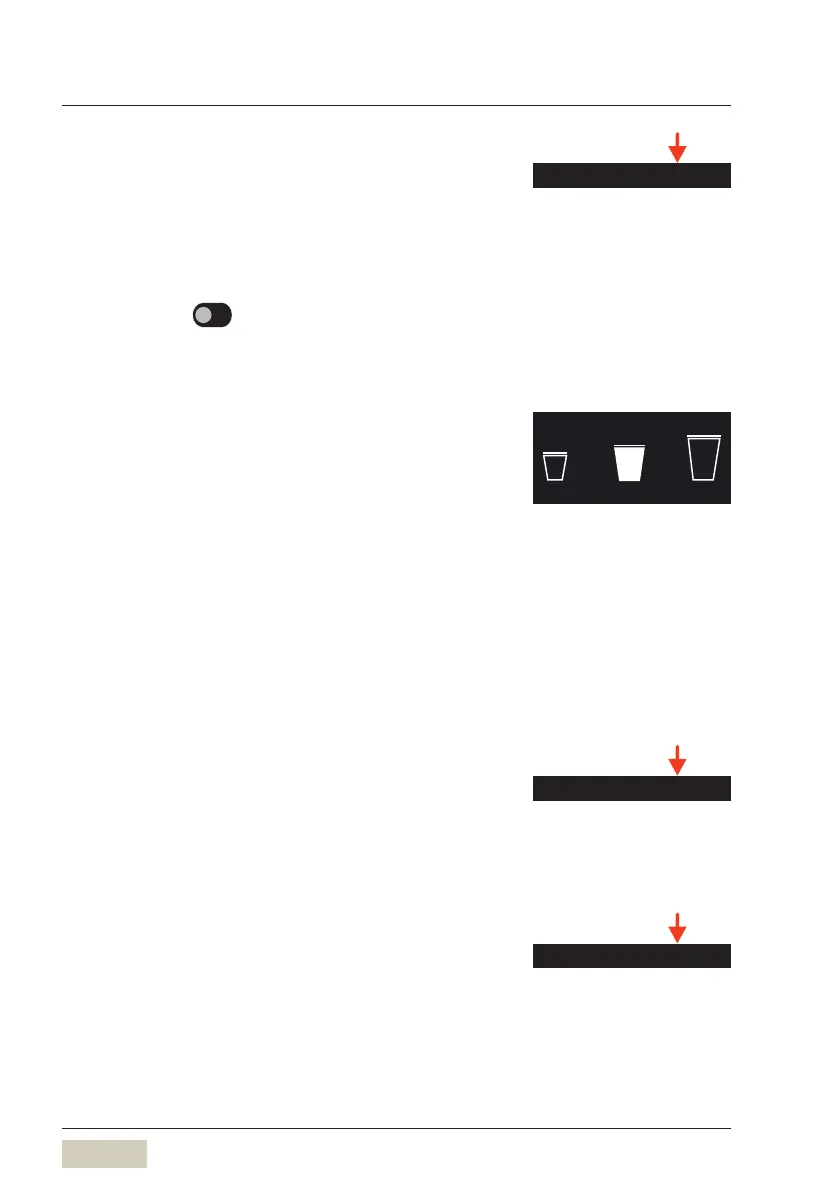
S-M-L Function
Activate the S-M-L function here.
Change symbols and texts here.
Beverage sizes can be changed based on the standard
size (M).
Options: • active
• inactive
Default value:
inactive
Small
Standard modification factor for beverage sizes for
S-recipes that are newly activated.
Default value: 75 %
Large
Standard modification factor for beverage sizes for
L-recipes that are newly activated.
Default value: 125 %
Syrup
Assign names and symbols to syrups here.
Activate the available metered quantities
(single,double, big).
Milk
Assign names and symbols to milk 1and milk 2here
S M L
Cup volume S-M-L
w Software
w Beverages
page 45
Tip
Beverage sizes S-M-L can also be
defined in the recipe and are then
available directly as abeverage
button.
Detailed setting capability for the
syrup station
w Operating manual for
Syrupstation



 To Next Page