66
User Manual WMF9000S +
Software | System
4.10 System
Cooler
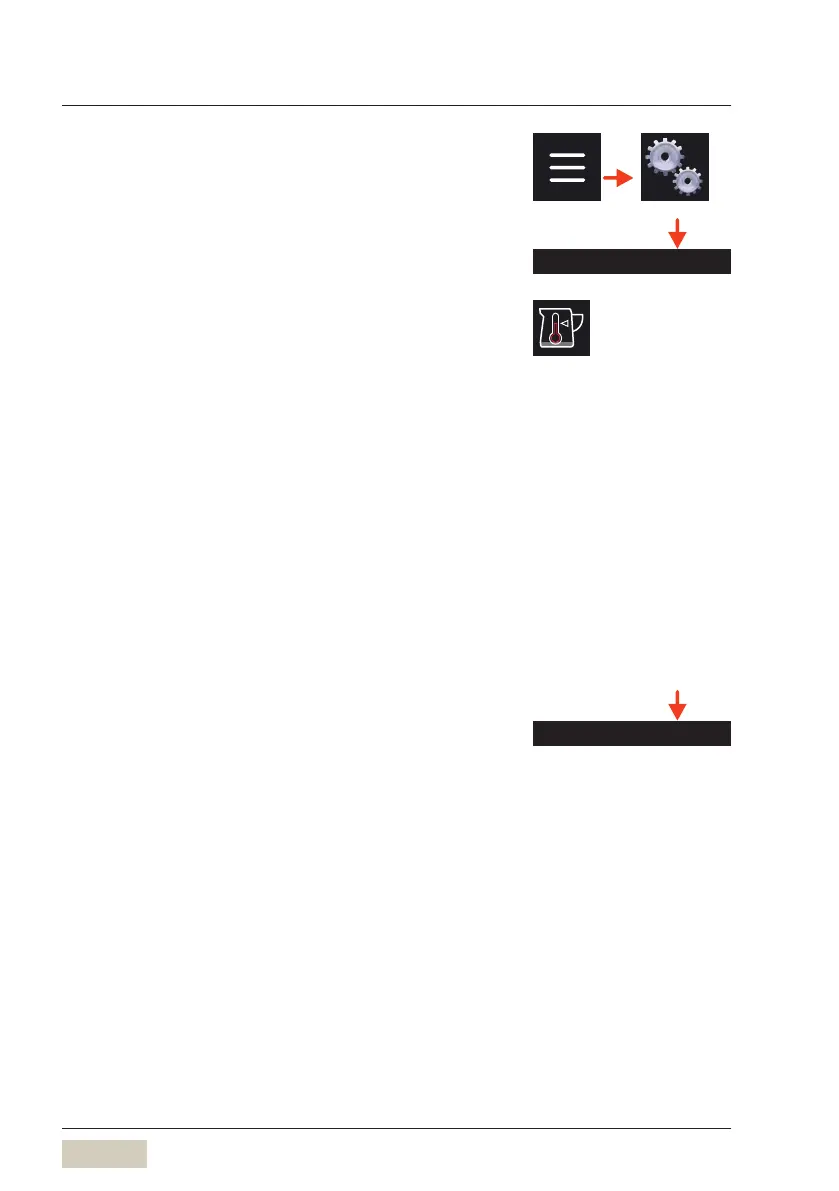
Milk storage temperature
Enter the milk storage temperature here.
For example, < 8°C when using Cup&Cool.
Empty message
This setting determines whether amilk empty message
will be shown. The empty message can be coupled
with abeverage lockout. This is especially important
for self-service mode, so that paid beverages are
guaranteed to be dispensed completely.
Temperature sensor
Measurement of milk temperature.
Quality check (DynamicMilk)
External influences can cause changes to the milk
temperature, milk foam volume, and milk foam quality
in the milk system.
The “Quality check” menu can be used to reset the
settings to their base values.
Fill the blue cleaning container with cold water
Connect the milk hose
Place ameasuring cup with 500ml capacity under
the spout
Start the calibration
As soon as the measuring cup has been filled with
500ml (+/- 20ml), stop the calibration
Possible with optional Cup&Cool
with temperature monitoring.



 To Next Page