27
User Manual WMF9000S +
Operation | Steam dispensing
3.9.1 AutoSteam (optional)
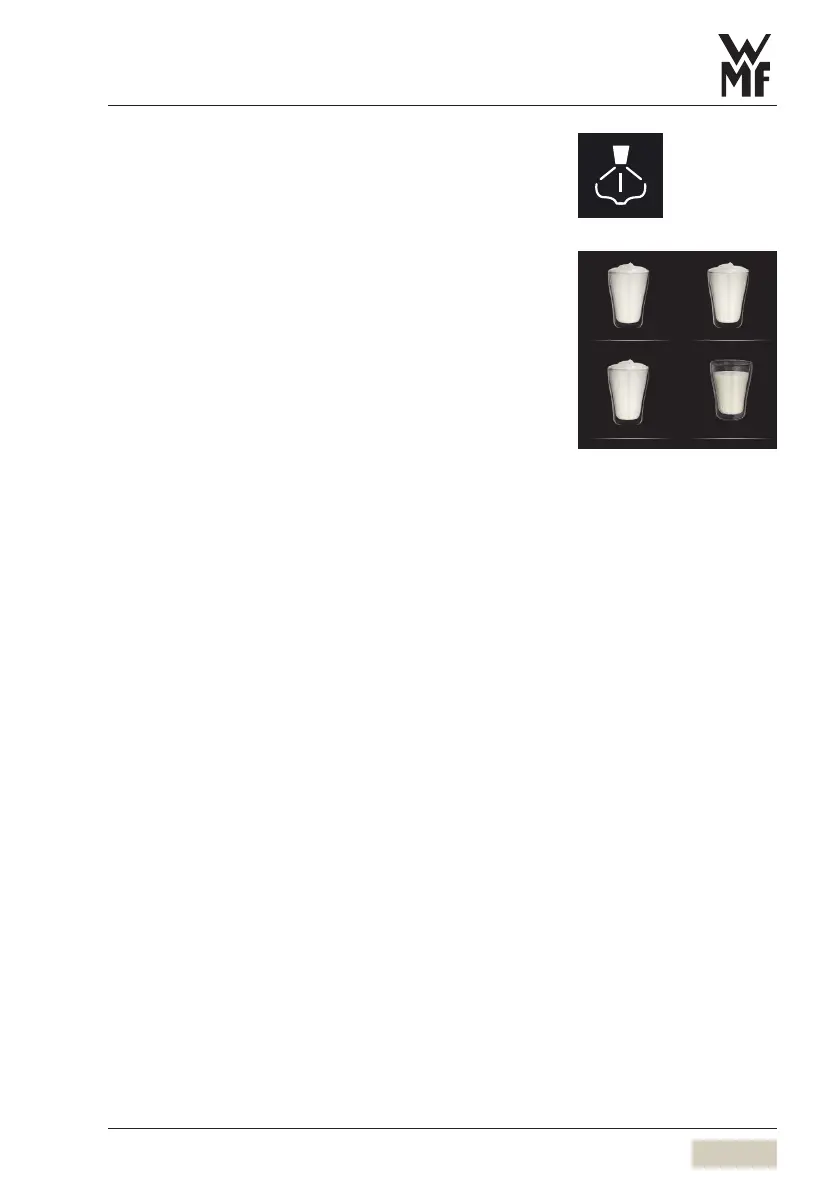
Milk is heated or foamed using the AutoSteam option.
Milk can be foamed directly to the set milk foam
quality by means of the steam button. Alternatively,
aselection of up to 3foam quality levels can be
opened.
Potential milk foam qualities are:
• standard
• fine
• superfine
There is also an extra milk button with AutoSteam.
Heat milk or foam milk
Fill atall, narrow container with the desired milk
quantity
Do not fill the jug above the halfway point, so that the
milk will not run over when it foams.
Immerse steam nozzle deep into the milk
Briefly touch the desired AutoSteam button
Steam is discharged, depending on the AutoSteam
button allocation.
Steam dispensing ends after reaching the set
temperature, or when the AutoSteam button is
touched again.
Briefly press the steam button
Residue in the steam outlet tube is rinsed.
Wipe the steam outlet with adamp cloth
3.9.2 EasySteam (optional)
Beverages can be heated using the EasySteam
discharge.
Milk can be foamed by adding air manually.
Steam button
Milk foam Milk foam Fine
Superne milk foam Milk
Button allocation
w Operating options
page 55
Change recipes
w Beverages
page 44



 To Next Page