31
User Manual WMF9000S +
Operation | Manual insert
3.14 Manual insert
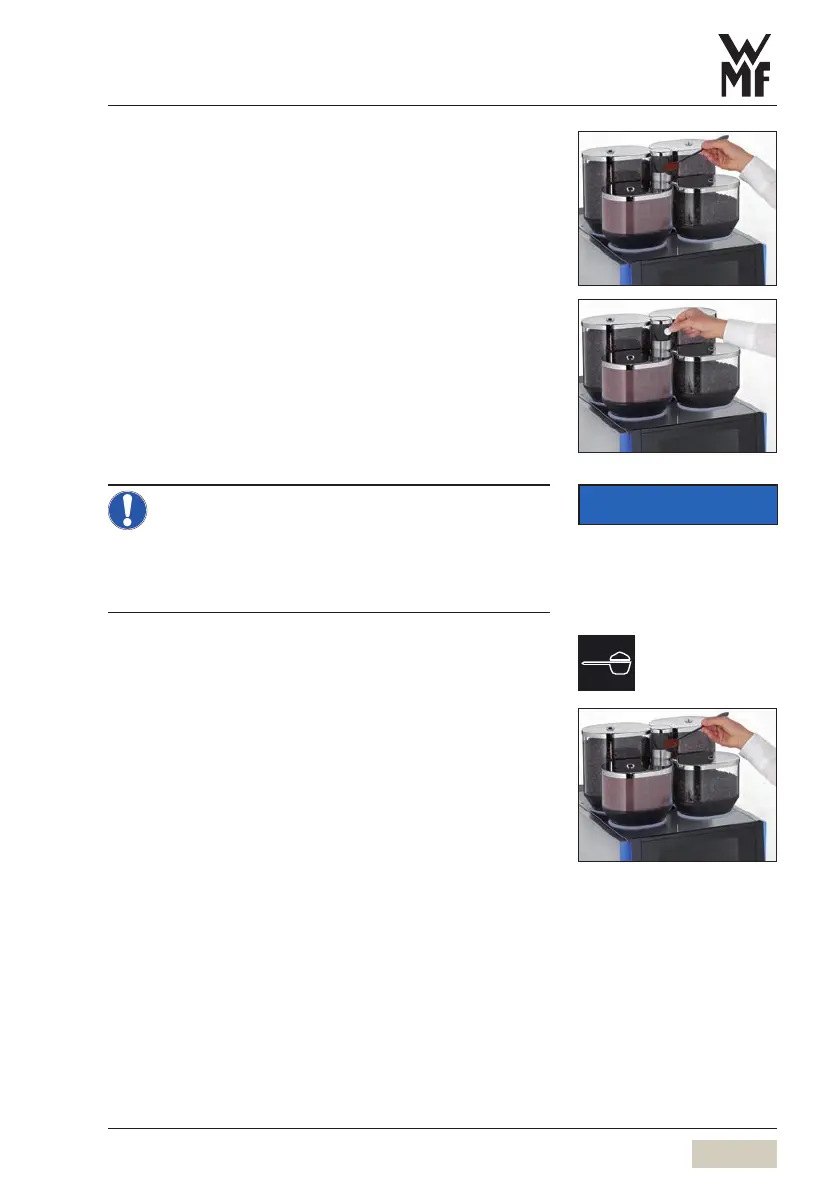
The manual insert is located in the centre of the coffee
machine cover.
Manual insert is used
• When using additional coffee types, such as
decaffeinated coffee
• For coffee sampling
• For inserting cleaning tablets
• Add ground coffee or cleaning tablet only
after the display message.
• Use only ground coffee in the manual insert.
• Do not use water-soluble powdered coffee.
• Do not use coffee that is ground too finely.
Coffee preparation of ground coffee using
themanual insert (optional)
Touch “Manual insert” on the pre-selection pad
Touch the desired beverage button
The manual insert slot opens automatically.
Use the small measuring spoon to load the desired
amount of ground coffee (maximum 16g)
Close the manual insert
The desired beverage is dispensed.
IMPORTANT
Follow the Warranty chapter
w starting on page 102



 To Next Page