33
UserManualWMFespressoNEXT
Operation | Manually adding ground coffee
✻ Empty the portafilter after beverage dispensing
Note
Always empty the portafilter by knocking it on
ablock. Otherwise the sieve may fall out of the
portafilter.
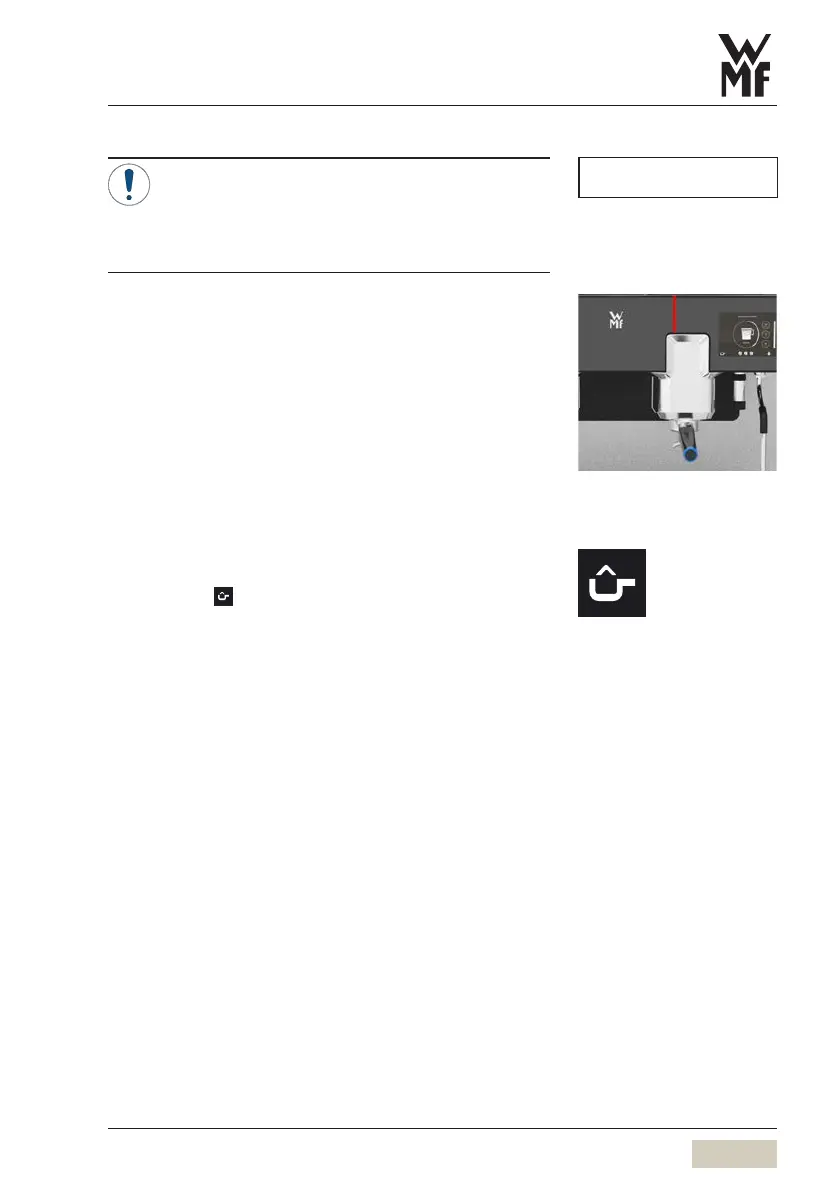
During the brewing cycle, the LED strip above the
brewing group lights up red. As soon as the brewing
cycle is complete, the display changes to green.
Cancel beverage
✻ Touch “Progress display” pad
Beverage dispensing is interrupted.
3.7 Manually adding ground coffee
✻ Touch the pad briefly
The internal grinder is deactivated.
✻ Add the desired ground coffee to the portafilter
✻ Insert the desired portafilter
✻ Touch the desired beverage button
The ground coffee is tamped automatically by the
brewing piston. Beverage dispensing begins.
NOTE
Manually adding ground coffee
Activate function
Individual recipes
w Operating options
w External grinding
page 57


 To Next Page