63
UserManualWMFespressoNEXT
Software | Timer
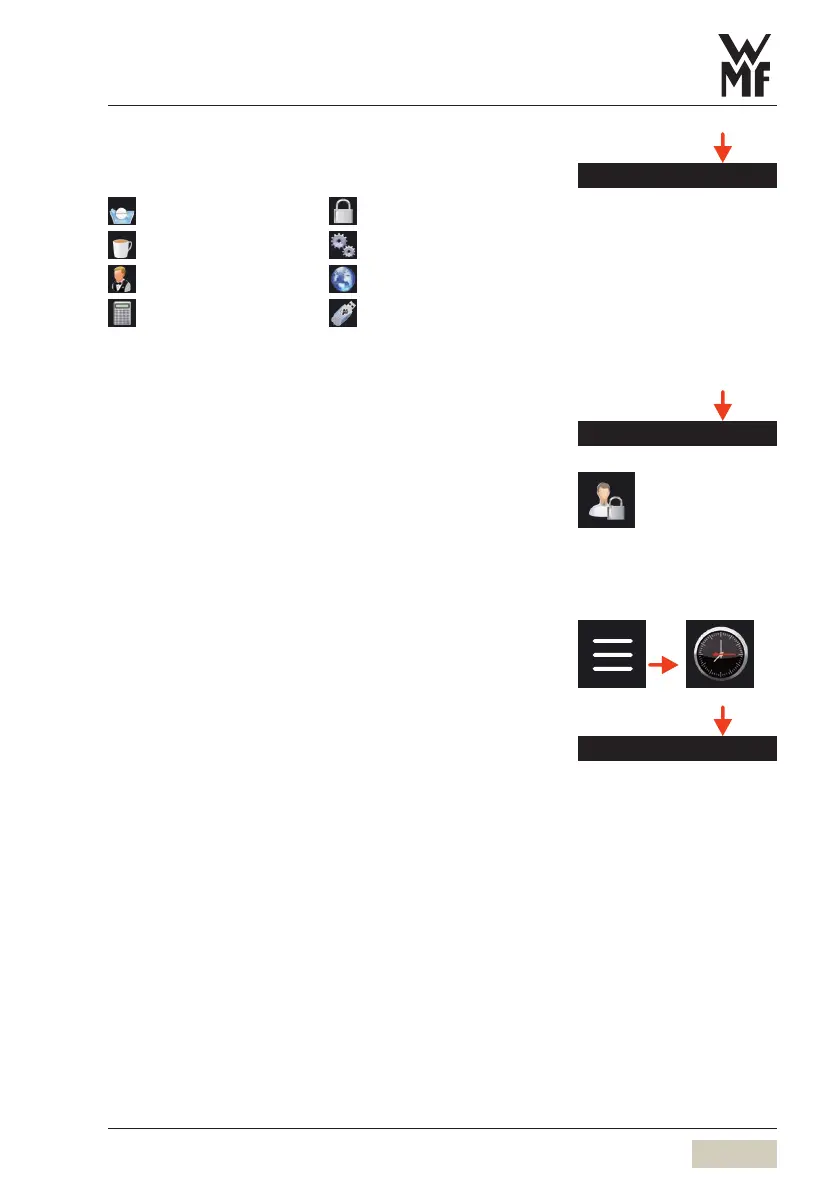
Accounting PIN
On entering the valid PIN, access granted to:
Care
PIN
Beverages
System
Operating options
Language
Accounting
(with “delete”)
USB
Re-enter PIN
Once aPIN has been assigned for access rights,
the PIN number must be entered here in order
toassign anew PIN.
4.9 Timer
Time zone
The time zone can be set here.
The Accounting PIN can be used
to change the other two PIN
numbers. If you have forgotten the
Accounting PIN, it can be reset only
by our service department.
Time zone


 To Next Page