54
UserManualWMFespressoNEXT
Software | Beverages
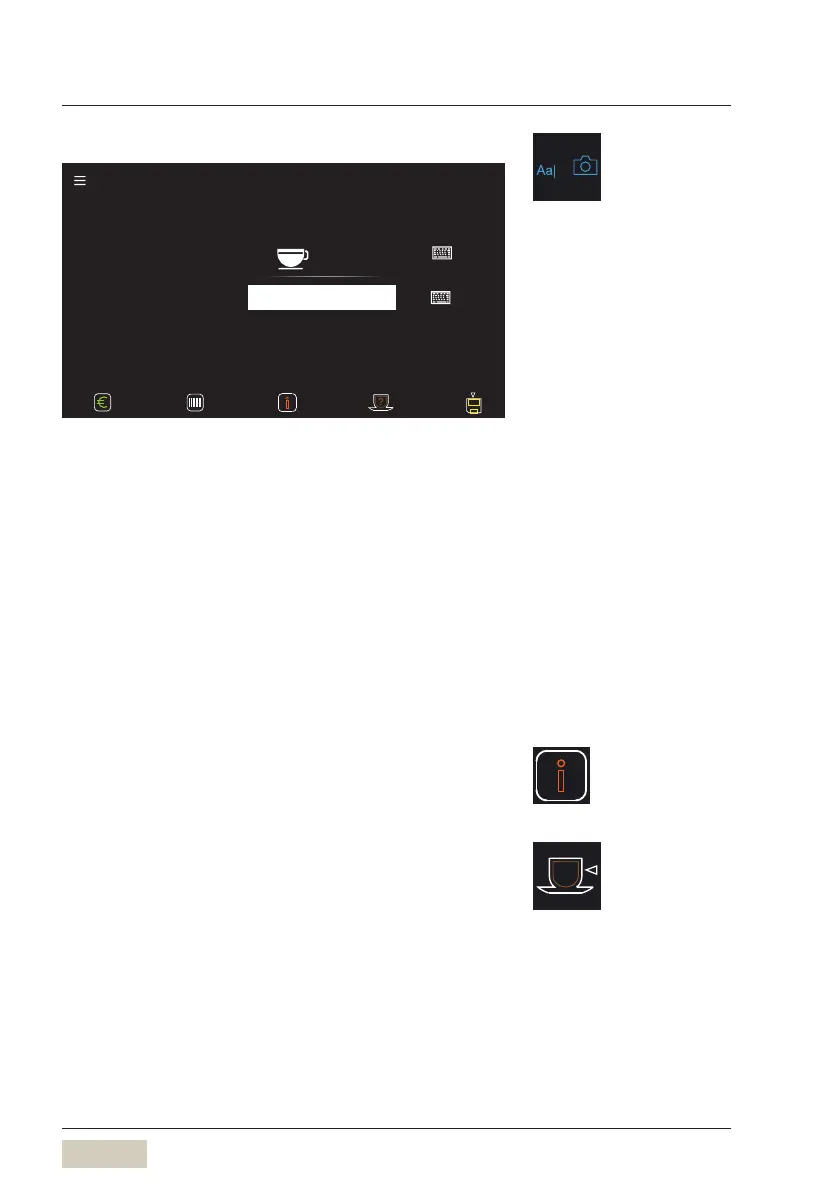
Text+picture
Note
Text + picture
Café crème
Recipe number - 1 - Factory: - 1 -
Beverage settings Crème Small (r11, m 11, base 11)
Coee
Text+picture
The name of the beverage and the photo of the
beverage button will be changed here.
✻ Touch “keyboard” pad
The on-display keyboard is displayed.
✻ Use the on-display keyboard to enter the text
Note
A note about the beverage can be saved here.
Information pad
Recipe details can be displayed via the Information pad.
Cup volume
Set the desired cup volume. The recipe is adjusted
accordingly.
100 % indicates the previously saved value.
Menu control pads
w Overview
page 47
Load custom beverage pictures
w USB


 To Next Page