Operation
Chapter 2 Operation
2.1 Switch on coffee machine
Press ON/OFF switch for longer than 5 seconds
Coffee machine switches on and heats up.
When the coffee machine in ready to dispense beverages,
the beverage buttons light up.
2.2 Dispensing beverages
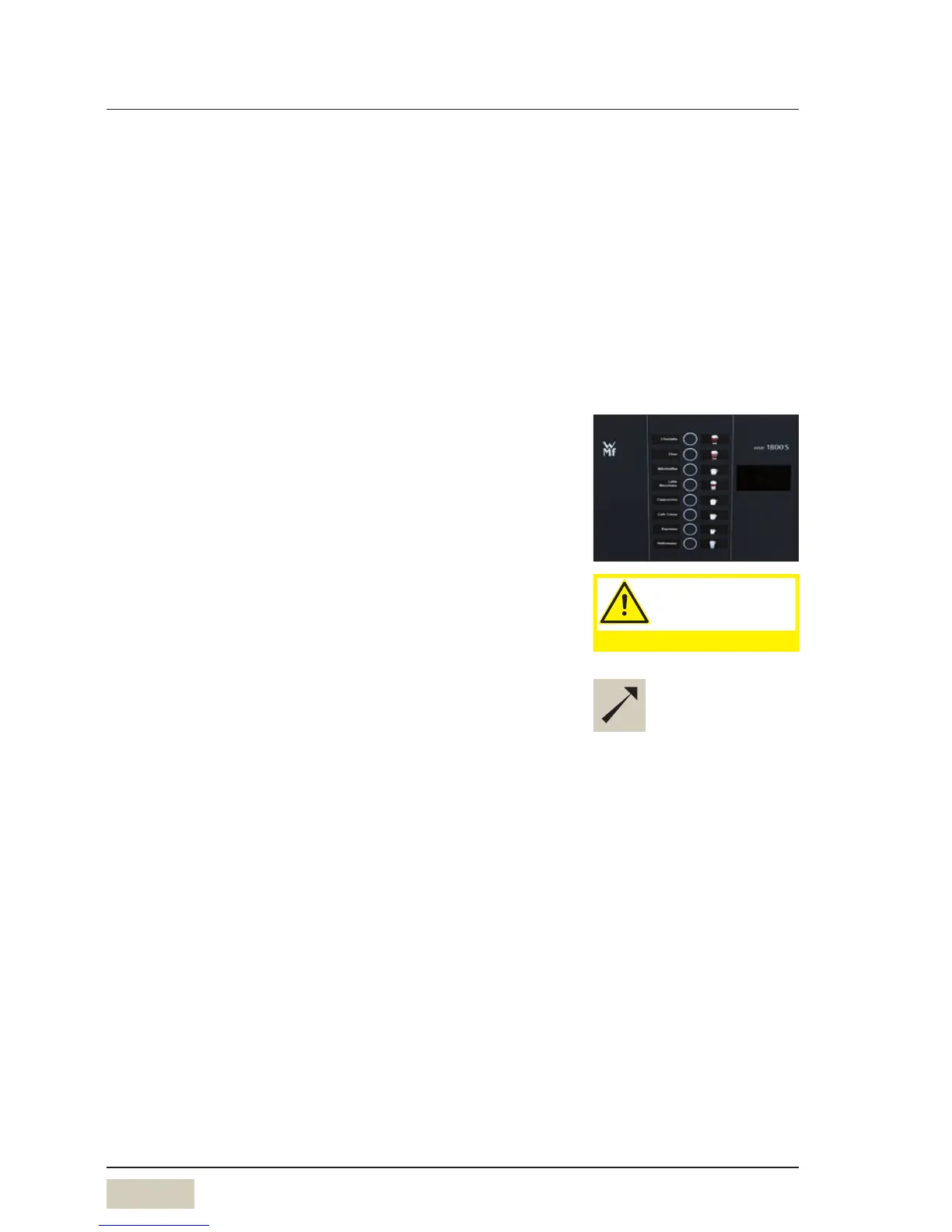
Pressing the beverage button triggers dispensing of the
beverage selected.
• Lit up button = ready to dispense
• Flashing button = beverage dispensing
• Unlit button = not ready to dispense/
button disabled
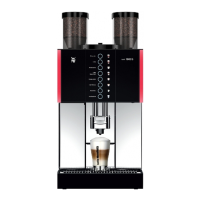
Place asuitably sized cup below the combi spout
Press the desired beverage button
The desired beverage is dispensed.
2.3 Milk or milk foam (optional)
2.3.1 Dispense milk or milk foam
Press the beverage button assigned to milk or milk foam
Dispensing occurs. Dispensing runs for as long as the
button is held.
PIN access control
w Software
w Settings
w Operating options
page 30
w Timer program
page 21
If vending machine is connected
w User Manual of vending
machine.
Caution.
Hot liquids in the
dispensing area.
Observe the Safety chapter.
Button allocation
w Software w Settings
w Recipes and buttons
page 26


 To Next Page