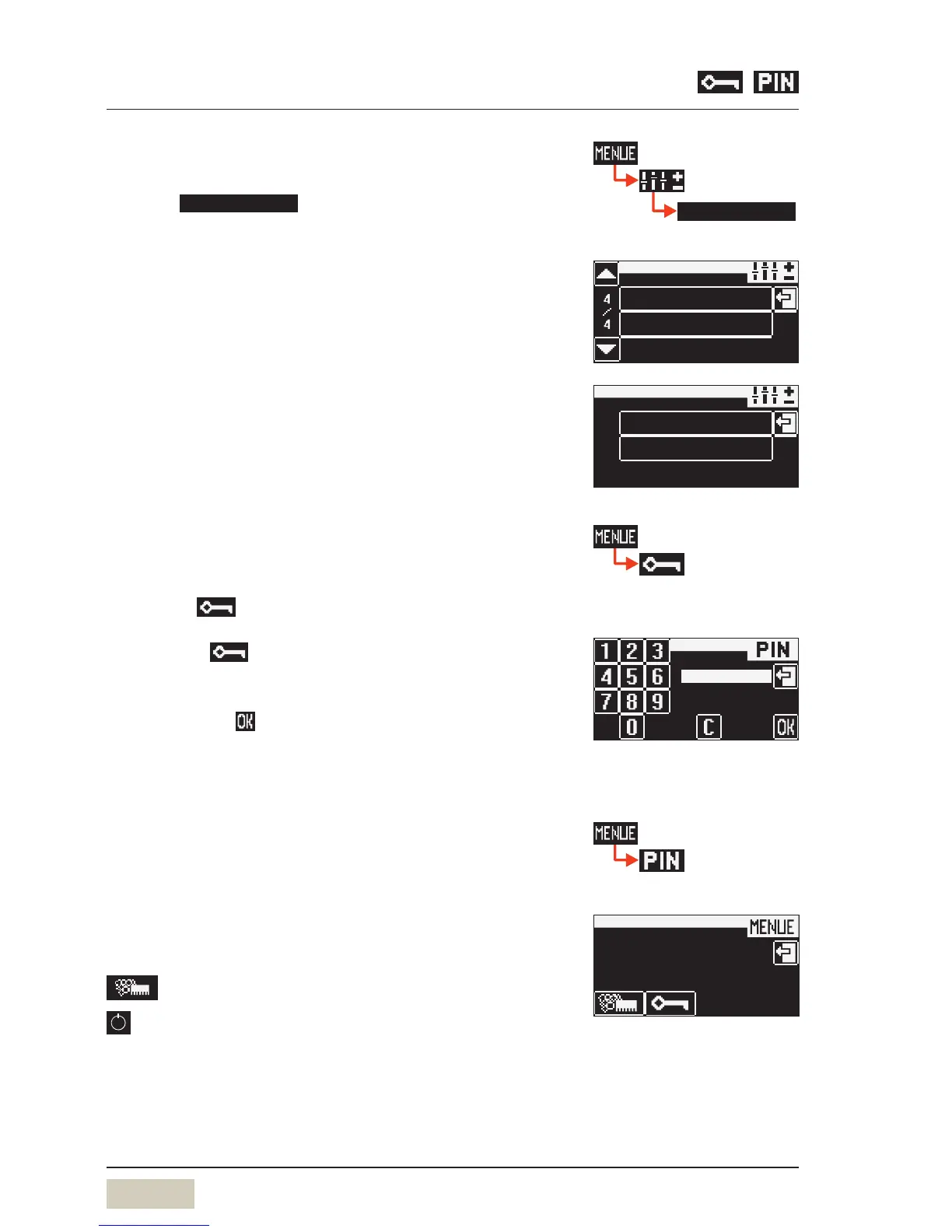
Beverage lockout yes/no
Beverage lockout no
Beverages can be dispensed until the milk container is
actually empty.
Beverage lockout yes
Input is requested as to how many beverages can be
dispensed after the message has appeared. After this
number of beverages has been dispensed, beverages with
milk are blocked from further dispensing. Beverage lockout
is removed when the milk container is filled.
3.3.5 PIN-entry display
Individual authorisation levels can be protected using
aPIN. For access to aPIN-protected level, the PIN must be
entered via pad.
Touch the pad in the main menu
Numerical keyboard display appears.
Enter required 4-figure PIN
Confirm with
Following entry of avalid PIN, the assigned functions are
available.
3.3.6 PIN rights, access control
If aPIN has been assigned for aparticular level, no access
will be granted without aPIN.
Cleaning level
On entering the valid PIN, access to:
= Care
= PIN-protected ON/OFF switch


 To Next Page