Software, Ready to operate
3.2 Ready to operate
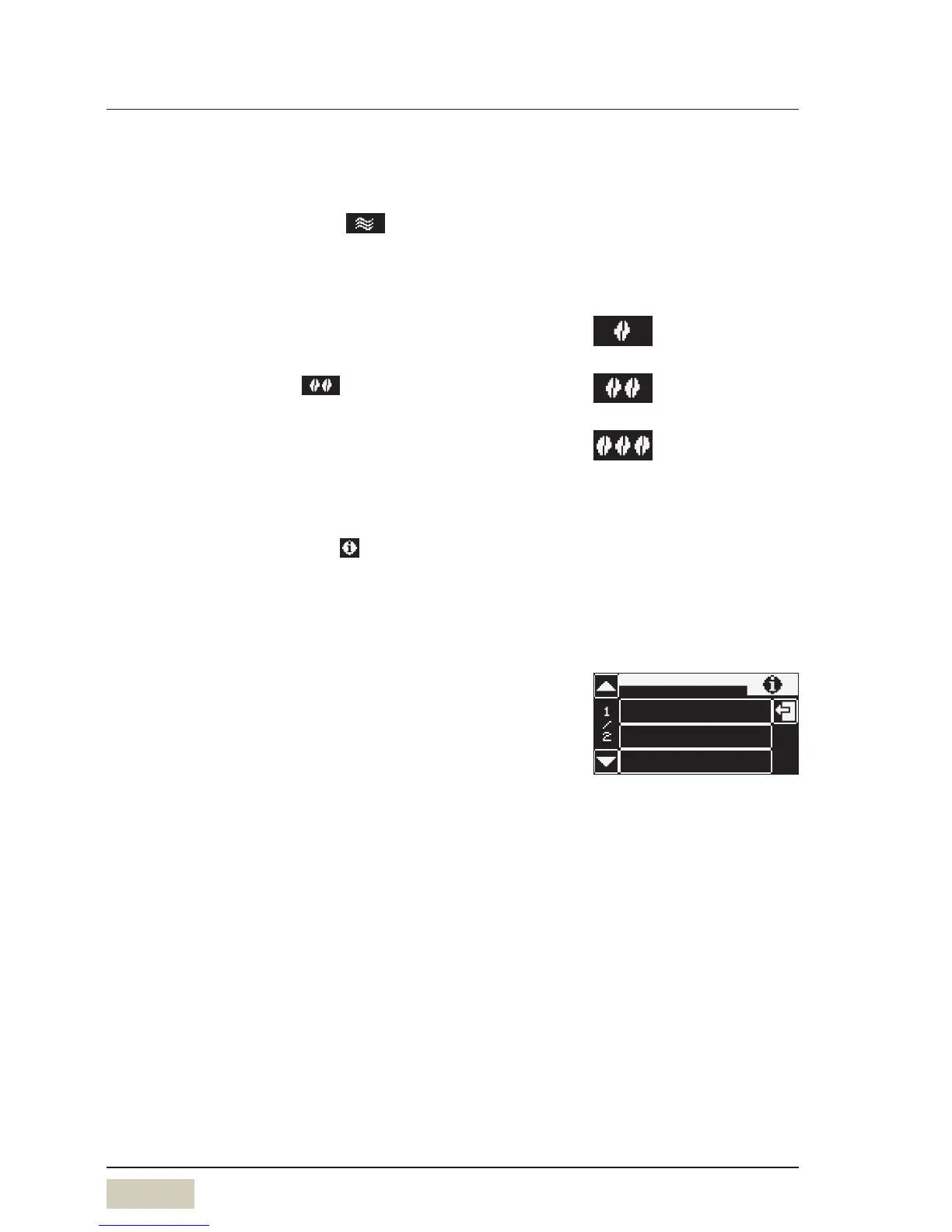
3.2.1 “Warm rinse” pad (optional)
Touch the “warm rinse” pad
A rinse of the pipes with hot water begins. The water
warms the brewing system and guarantees an optimum
coffee temperature.
3.2.2 Barista pad (optional)
Touch the Barista pad
The coffee strength will be altered for the next brew only.
3.2.3 Information
Touch the Information pad on the “Ready to operate”
display
The Information menu appears.
The main “Information” menu contains the following
selection options.
Service
• Service location (contact details)
• Start-up data
• Next maintenance date
• Software version
• Serial number
Care
• Journal
Journal log of last cleaning
• Cleaning information
Info on last cleaning
• Descaling information
Info on last/next descaling
• Water filter information (optional)
Remaining capacity info
Recommended after alonger
brewing pause, especially before
dispensing acup of espresso.
“Warm rinse” pad (active/inactive)
w Settings w Operating options
page 30
weaker (-15 %)
normal, as per setting
stronger (+15 %)
Barista pad (active/inactive)
w Settings w Operating options
page 30


 To Next Page