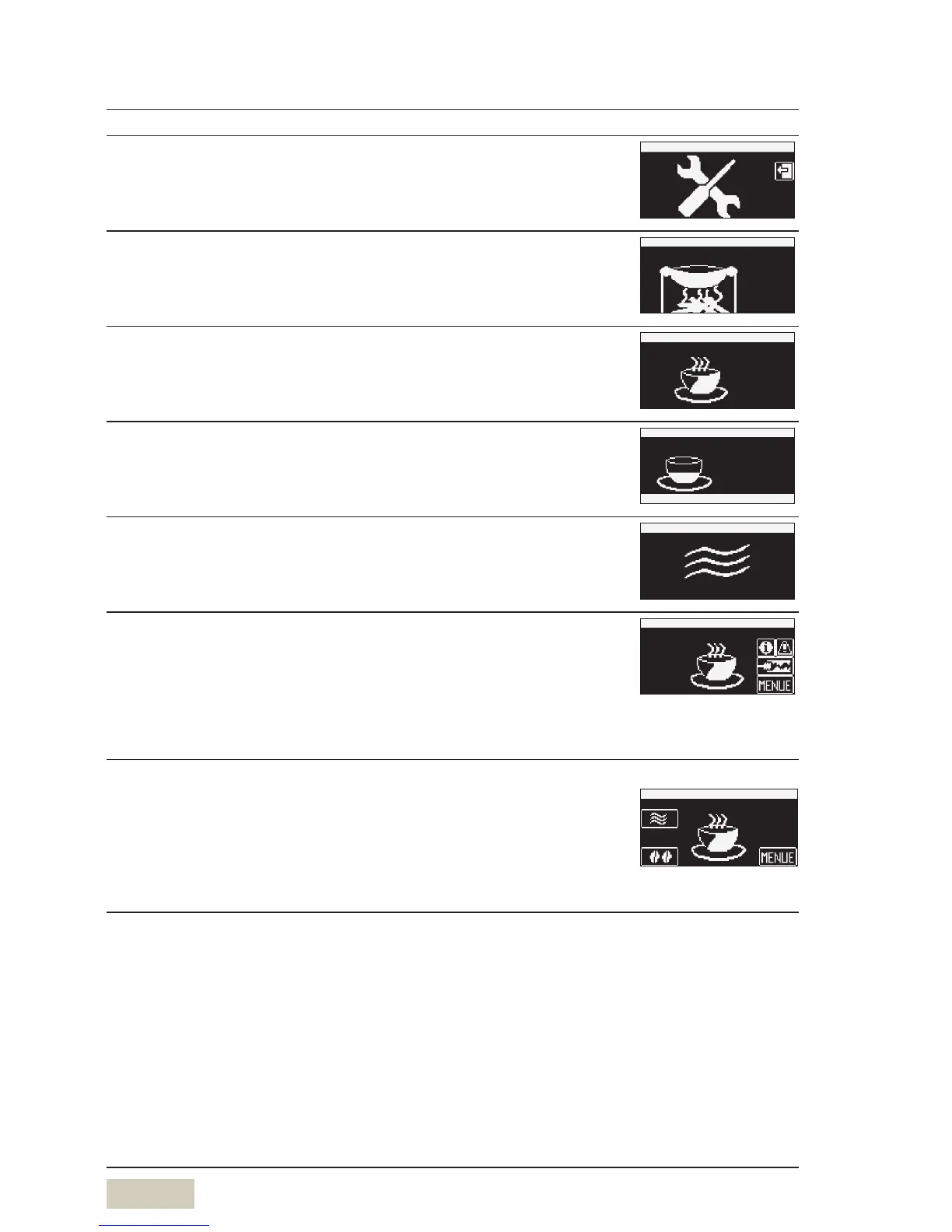
Activate “Ready to operate” display
Touch the unlit menu pad for longer than 5 seconds
The display illumination switches on.
Menu pad, Information pad, error messages and cleaning
messages are displayed.
w “Ready to operate” display
Optional pads
The Barista pad, “warm rinse” pad and the “toggle pad” are
displayed. The various options must first be activated.
Optional


 To Next Page