12 3064202_201602
Overview of status pages - extended mode
6 Overview of status pages - extended mode
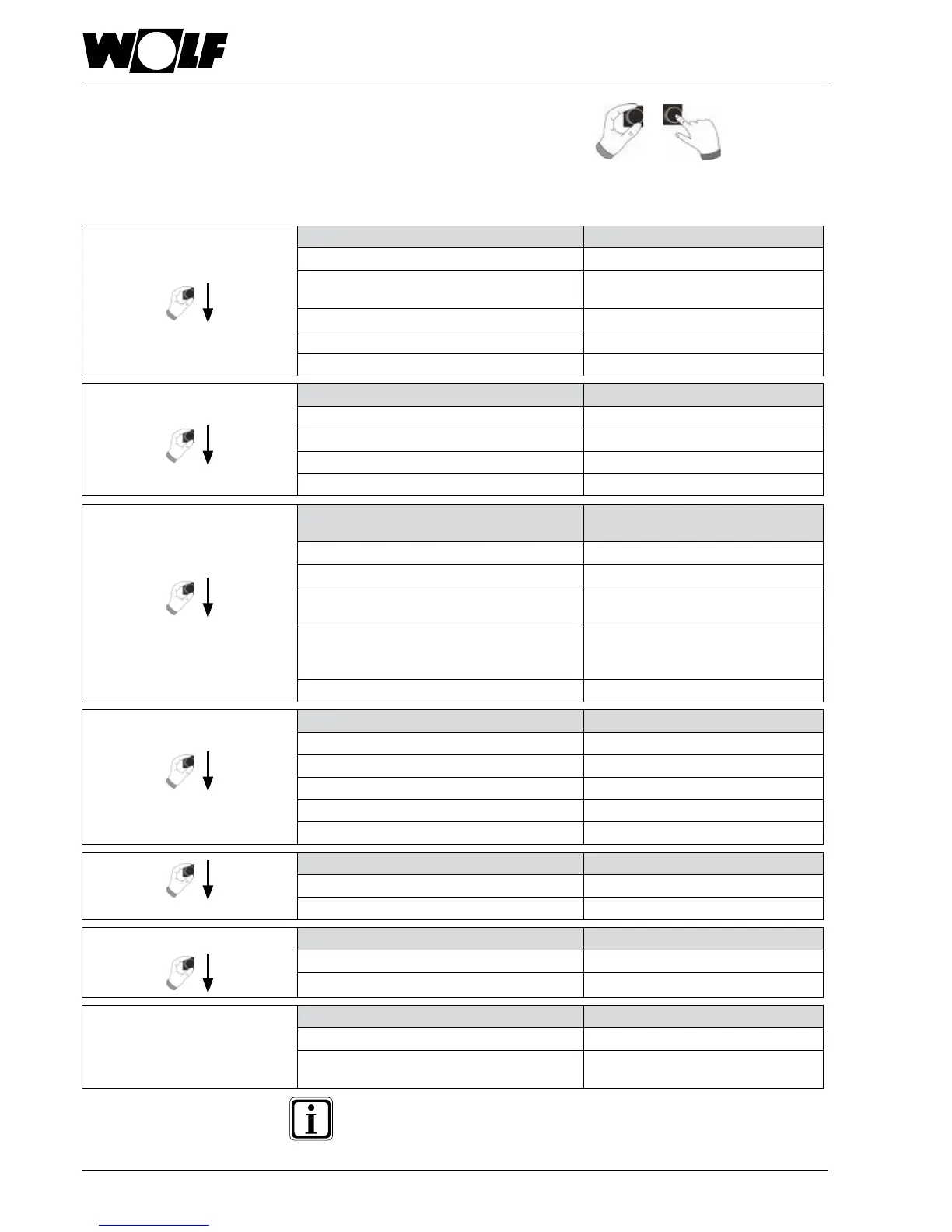
Turn the rotary selector to display the different status pages. This enables the installed
heating appliances and extension modules with the associated congurations.
9 - Heating appliance
Setting options Info regarding system data
− Once-only DHW heating − Operating mode
− Emissions test mode
(BM-2 in heating appliance)
− Burner status
− Call up home page − Heating appliance temp.
− System pressure
− Burner output
10 - DHW
Setting options Info regarding system data
− Change set DHW temperature − Selected DHW temperature
− Change operating mode − Selected operating mode
− Call up home page − DHW temp.
− Set DHW temperature
11 - Heating circuit
Setting options Info regarding system data
− Change set heating circuit temperature − Selected temperature
− Change operating mode − Selected operating mode
− Call up home page − Room temperature
(BM-2 as remote control)
− Outside temperature
(with outside temp. sensor in
WRS)
− Flow temperature
12 - Mixer
Setting options Info regarding system data
− Change set mixer circuit temperature − Selected temperature
− Change operating mode − Selected operating mode
− Call up home page − Room temperature
− Outside temperature
− Flow temperature
13 - Solar
Display Info regarding system data
− Monthly yield − Collector temperatures
− Annual yield − Cylinder temperatures
14 - Ventilation unit
Setting options Info regarding system data
− Change operating mode − Selected operating mode
− Call up home page − Air ow rate / extract air temp.
15 - Messages
Setting options Info regarding system data
− Acknowledging faults for users − Current faults
− Acknowledging faults for contractors
(locking faults)
Only values from connected modules and heating appliances are
displayed.


 To Next Page