3064202_201602 21
Main menu overview
14 Main menu overview
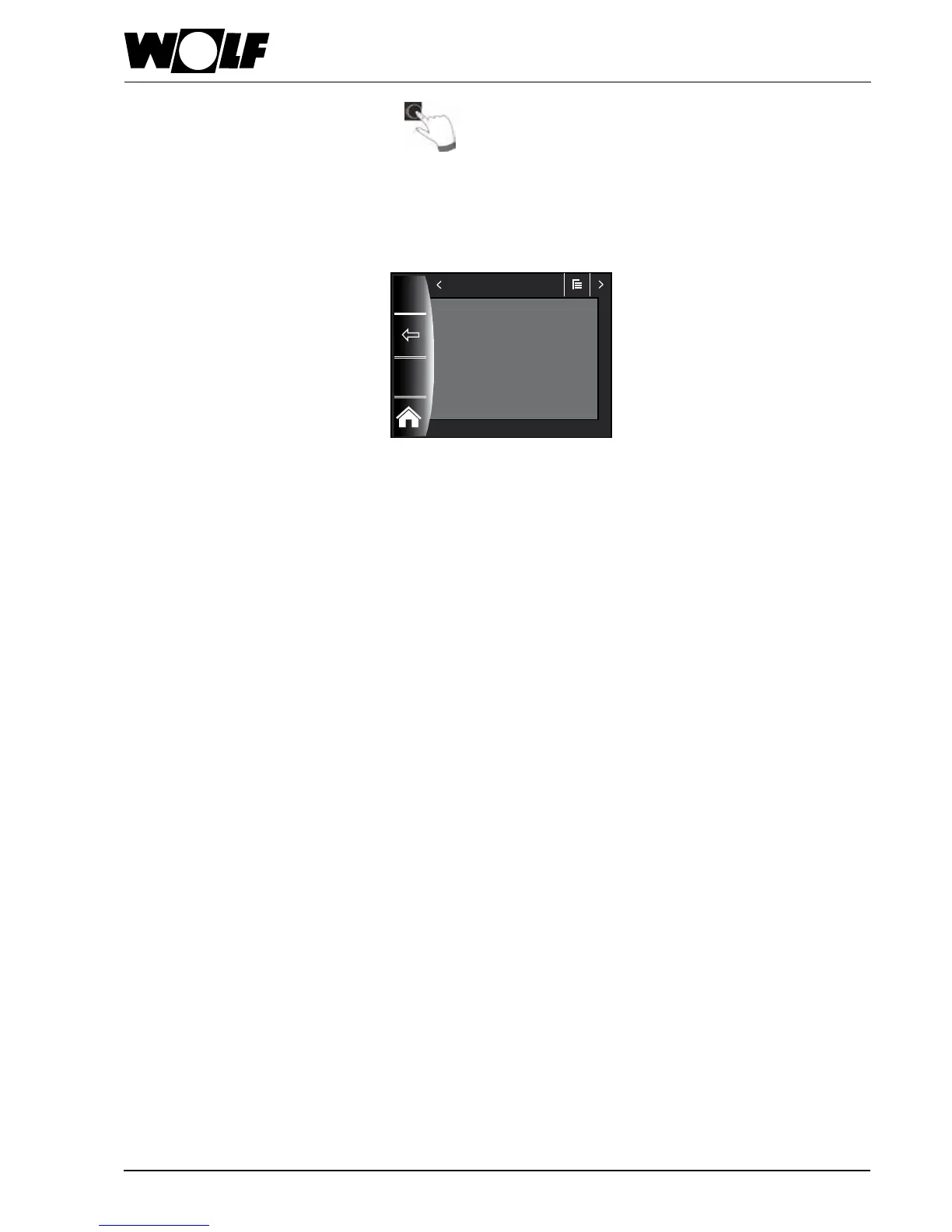
You can open the main menu on a status page (heating appliance, heating circuit, mixer, solar thermal system ...)
by pressing the rotary selector.
This opens
− Display
− Default settings
− Time programs
− Contractor level
in the main menu.
14.1 Display of set / actual temperatures (chapter 15)
All set and actual temperatures are displayed
(however, these cannot be changed).
14.2 Default settings (chapter 16)
− Heating appliance
− Heating circuit
− Mixer 1-7
− Language
− Time
− Date
− Winter/summertime
− Min. backlighting
− Screensaver
− Key lock
− User interface (extended mode)
In order to fully commission the controller, you should set the default settings in
consultation with the user. The user can then adjust these default settings later to
meet their requirements.
14.3 Time programs (chapter 17)
Time programs are available for all connected appliances. This allows the switching
times to be adjusted for the heating circuit, mixer circuit, DHW heating, DHW
circulation and ventilation unit, according to the congurations and appliances
which are connected.
14.4 Contractor level (chapter 18)
The heating contractor can use the contractor level to set system-specic
and appliance-specic parameters. This menu level must only be used by the
contractor.
14:12 20.01.13
Main menu
Display
Default settings
Time programs
Contractor level


 To Next Page