2 Use the arrow keys to select a cooking mode. A menu
appears with the recipe category options.
MORE MODE
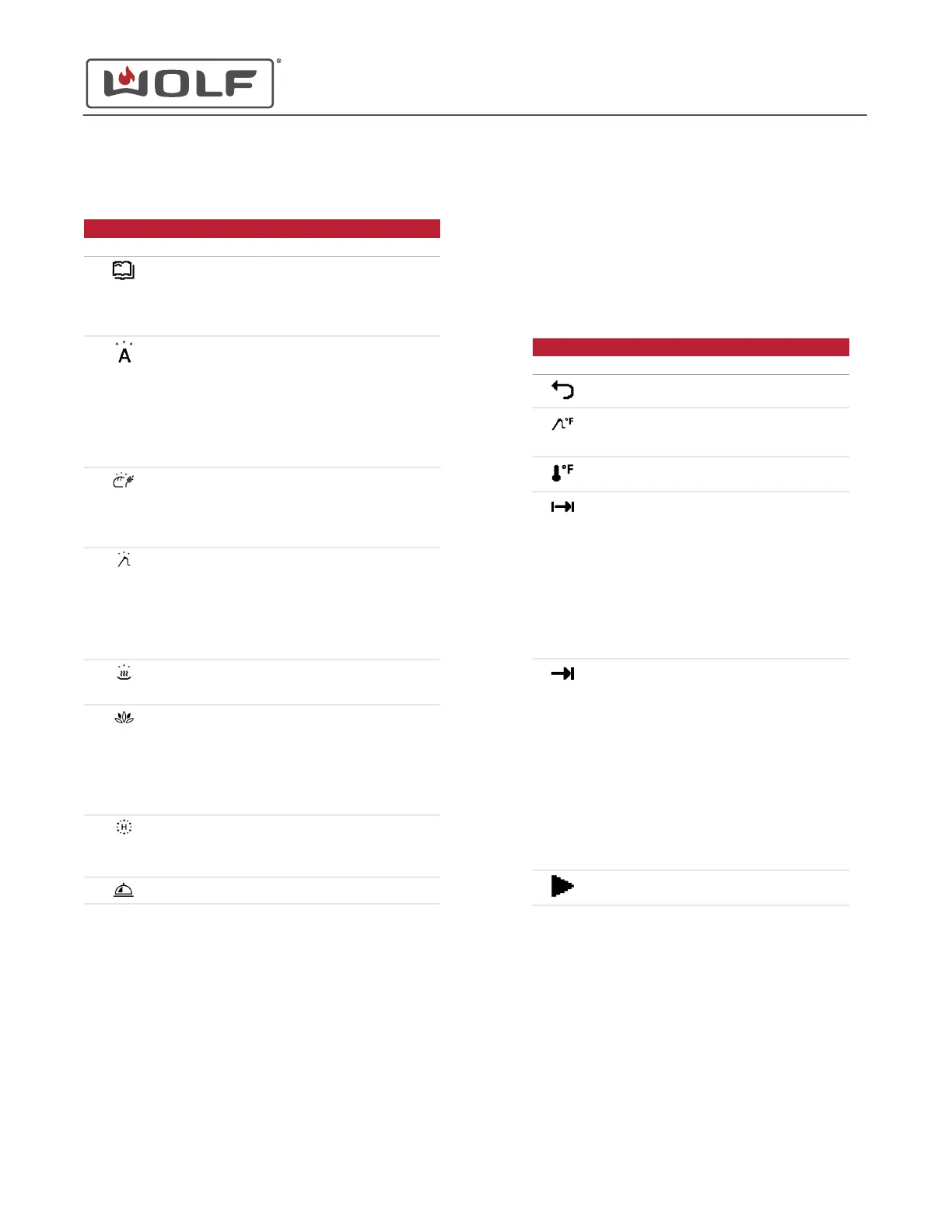
Symbol Cooking Mode Submenus
Recipes
• Run recipe
• Change recipe
• Create new recipe
• Delete recipe
More Gourmet
• Fresh appetizers
• Frozen appetizers
• Soufflé
• Frozen potatoes
• Frozen pizza
• Pie
• Muffins
Auto Steam
Bake
• Bread
• Braided bread
• Puff pastry
• Proof
Slow Roast
• Freely select meat
type
• Veal
• Beef
• Pork
• Lamb
Auto Reheat
• Moist
• Crispy
Spa
• Hot towels
• Hot wraps
• Hot stones for
message
• Cherry stone or grape
seed cushions
Sanitize
• Baby bottles
• Prepare jam jars
• Preserve jam
Keep Warm
3 Use the arrow keys to select the recipe category.
4 Touch Enter.
5 Use the arrow keys to select the recipe.
6 Touch Enter.
7 The recipe information from the table below appears.
8 Touch Enter to acknowledge the information or to select an
option.
9
The Cooking Mode submenu appears after all the
information screens have been acknowledged.
• Grayed-out options are not available.
• Use the arrow keys to select an option to adjust. Then
touch Enter.
10 After making an adjustment in the Cooking Mode submenu,
use the arrow keys to move to Start Operation and touch
Enter.
COOKING MODE SUBMENU
Symbol Name Information
Back
Set Food
Probe
Temperature
Temperature range is 90°F -
210°F32°C - 99°C.
Set
Temperature
Same as selected cooking
mode temperature range.
Set Duration
• Time shown from 5
minutes into the future to
10 hours into the future.
• With no end time set,
cooking starts
immediately.
• With an end time set, the
unit turns on at the end
time minus the duration
time.
Set End
• From 5 minutes to 9
hours and 55 minutes
into the future.
• Cooking starts
immediately after the
submenu is set. When
there is no duration time
set, cooking continues to
the end time.
• With a duration time set,
the unit turns on at the
end time minus the
duration time.
Start
Operation
11 If no adjustment is made in the Cooking Mode submenu,
the unit starts the recipe automatically after the preset time.
CSO (SWS #13543126)
Cooking Modes
SET A COOKING MODE IN MORE MODE (continued)
service.subzero.com
827703 REV B.1
25



 To Next Page