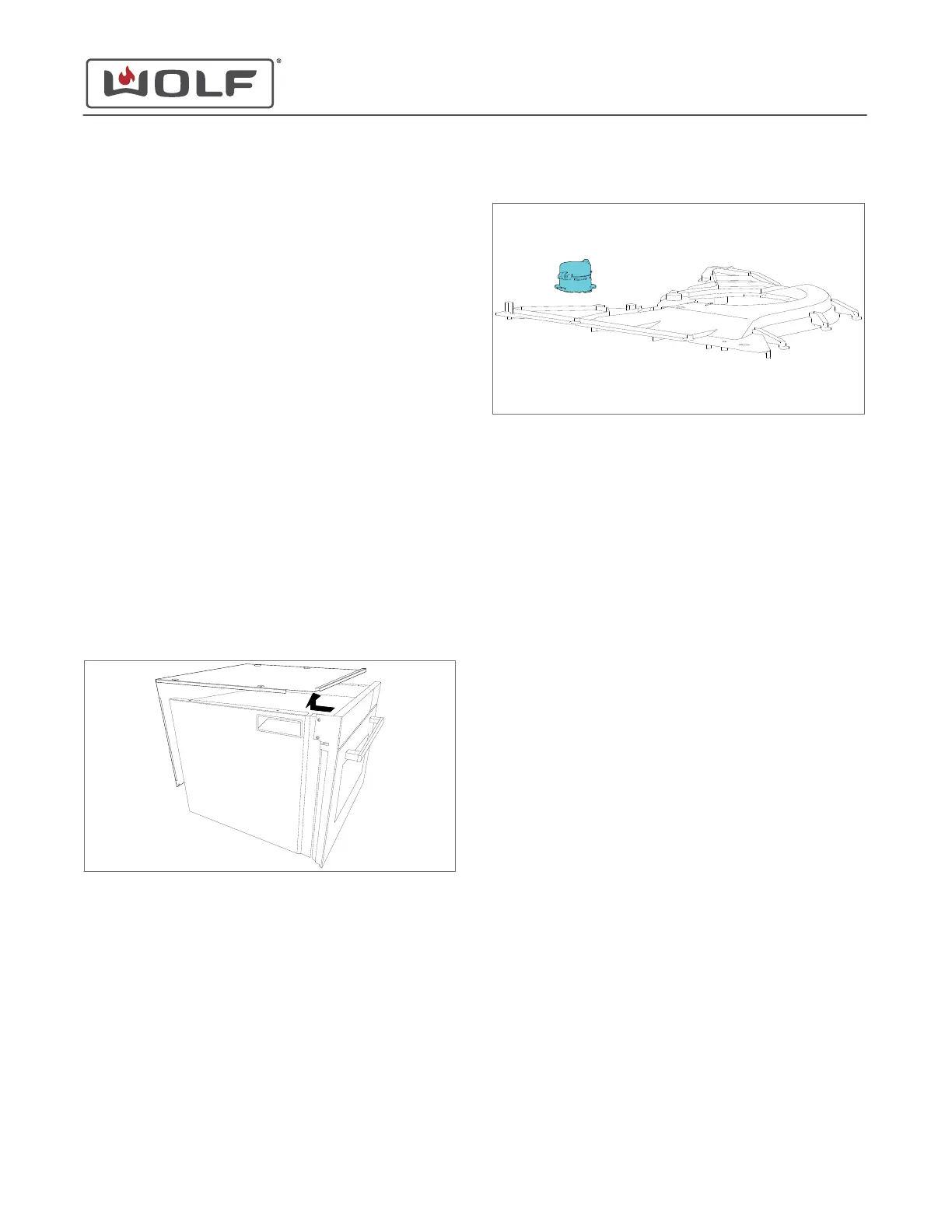
Install the Room Air Fan
1 Align the arrow on the room air fan with the open arrow on
the top exhaust duct.
2 Rotate the room air fan counterclockwise until the arrow on
top of the room air fan is aligned to closed on the top
exhaust duct.
3 Connect the electrical connectors to the room air fan.
Install the Top Plate
1 Place the top plate on the unit.
2 Use a T-20 Torx bit to install the screws into the top plate.
LOUDSPEAKER REMOVAL
To remove the loudspeaker, first remove the top plate.
Remove the Top Plate
1 Use a T-20 Torx bit to remove the screws from the top and
back of the unit.
2 Remove the top plate from the unit.
Remove the Loudspeaker
1 Disconnect the loudspeaker wire connector from the control
board.
2 Rotate the loudspeaker clockwise.
3
Remove the loudspeaker from the top exhaust duct.
LOUDSPEAKER INSTALLATION
After installing the loudspeaker, install:
1
Top cover
Then
install the unit
.
Install the Loudspeaker
1 Insert the tabs of the loudspeaker into the top exhaust duct.
2 Rotate the loudspeaker counterclockwise until the arrow on
top of the loudspeaker is pointing to the front of the unit.
3 Connect the loudspeaker electrical connector to the control
board.
Install the Top Plate
1 Place the top plate on the unit.
2 Use a T-20 Torx bit to install the screws into the top plate.
TEMPERATURE SENSOR 300C REMOVAL
To remove the temperature sensor 300C, first remove the top
plate.
Remove the Top Plate
1 Use a T-20 Torx bit to remove the screws from the top and
back of the unit.
CSO (SWS #13543126)
Top Component Removal and Installation
Install the Room Air Fan (continued)
service.subzero.com
827703 REV B.1
65



 To Next Page