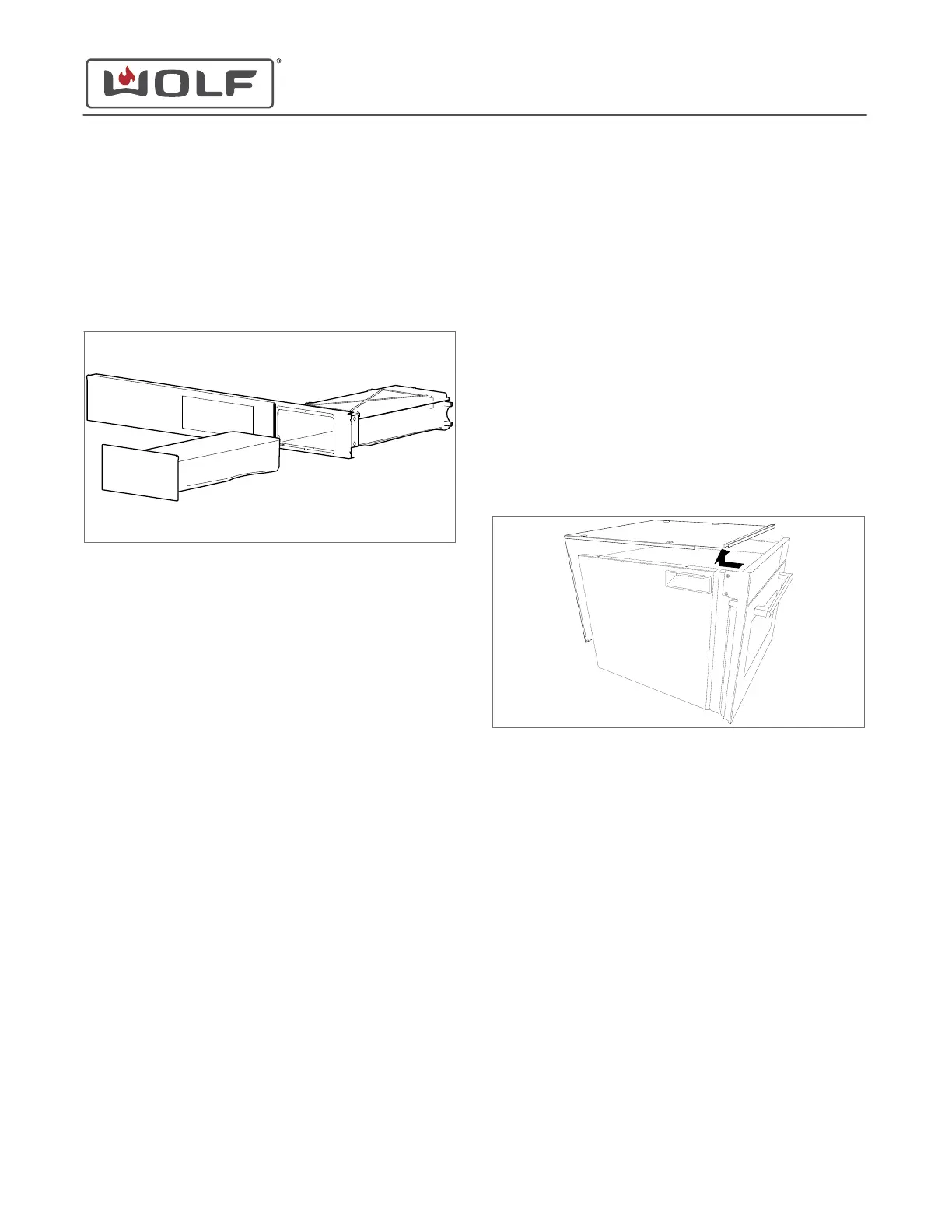
WATER TANK REMOVAL
Remove the Water Tank
1 Touch Water on the control panel.
2 Remove the water tank from the unit.
WATER TANK INSTALLATION
Install the Water Tank Assembly
1 Install the water tank into the unit.
2 Push the water tank closed.
UNIT REMOVAL
To uninstall the unit, first remove:
•
Water tank
Uninstall the Unit
1 Turn off the power to the unit.
2 Remove the unit from the installation.
UNIT INSTALLATION
After installing the unit, install:
1
Water tank
Install the Unit
1 Move the unit into the installation.
2 Turn on the power to the unit.
TOP PLATE REMOVAL
To remove the top plate, first remove:
1
Water tank
2
Unit
Remove the Top Plate
1 Use a T-20 Torx bit to remove the screws from the top and
back of the unit.
2 Remove the top plate from the unit.
TOP PLATE INSTALLATION
After installing the top plate, install:
1
Unit
2
Water tank
Install the Top Plate
1 Place the top plate on the unit.
2 Use a T-20 Torx bit to install the screws into the top plate.
HANDLE ACTUATOR REMOVAL
To remove the handle actuator, first remove:
1
Water tank
2
Unit
3
Top plate
CSO (SWS #13543126)
Top Component Removal and Installation
TOP COMPONENT REMOVAL AND INSTALLATION
service.subzero.com
827703 REV B.1
56



 To Next Page