FIRST-TIME USE
Selecting a cooking mode the first time causes the unit to
prompt the user to the set the language and clock. See also:
1
Set the language
2
Set the clock
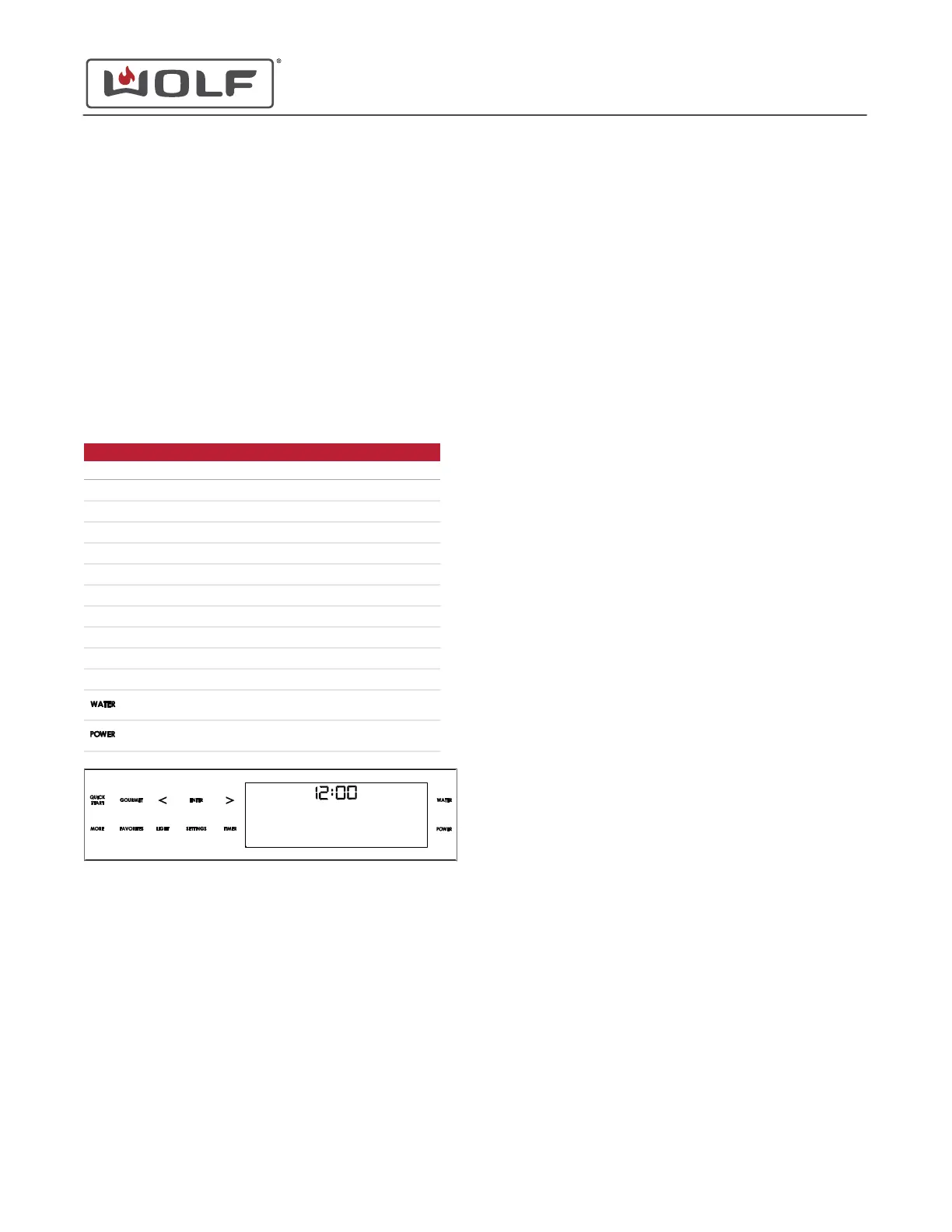
CONTROL PANEL
The CSO controls operate by touch. The control panel has
icons on it that allow movement through the menu options and
selection.
CONTROL PANEL ICONS
Symbol Action
Cooking modes under Quick Start.
Programmed recipes.
Move left on the menu.
Select the underlined option.
Move right on the menu.
Other recipes and cooking modes.
Customer-saved recipes.
Turn the light on or off.
User functions.
Program, turn on, and turn off the timer.
Open and close the water tank door.
Turn the unit on and off.
CSO (SWS #13543126)
General Controls
GENERAL CONTROLS
service.subzero.com
827703 REV B.1
3



 To Next Page