E SERIES OVEN CONTROL PANEL
The E Series Ovens control panel allows you to turn the oven on
or off, select cooking modes, and set the timer and
temperature.
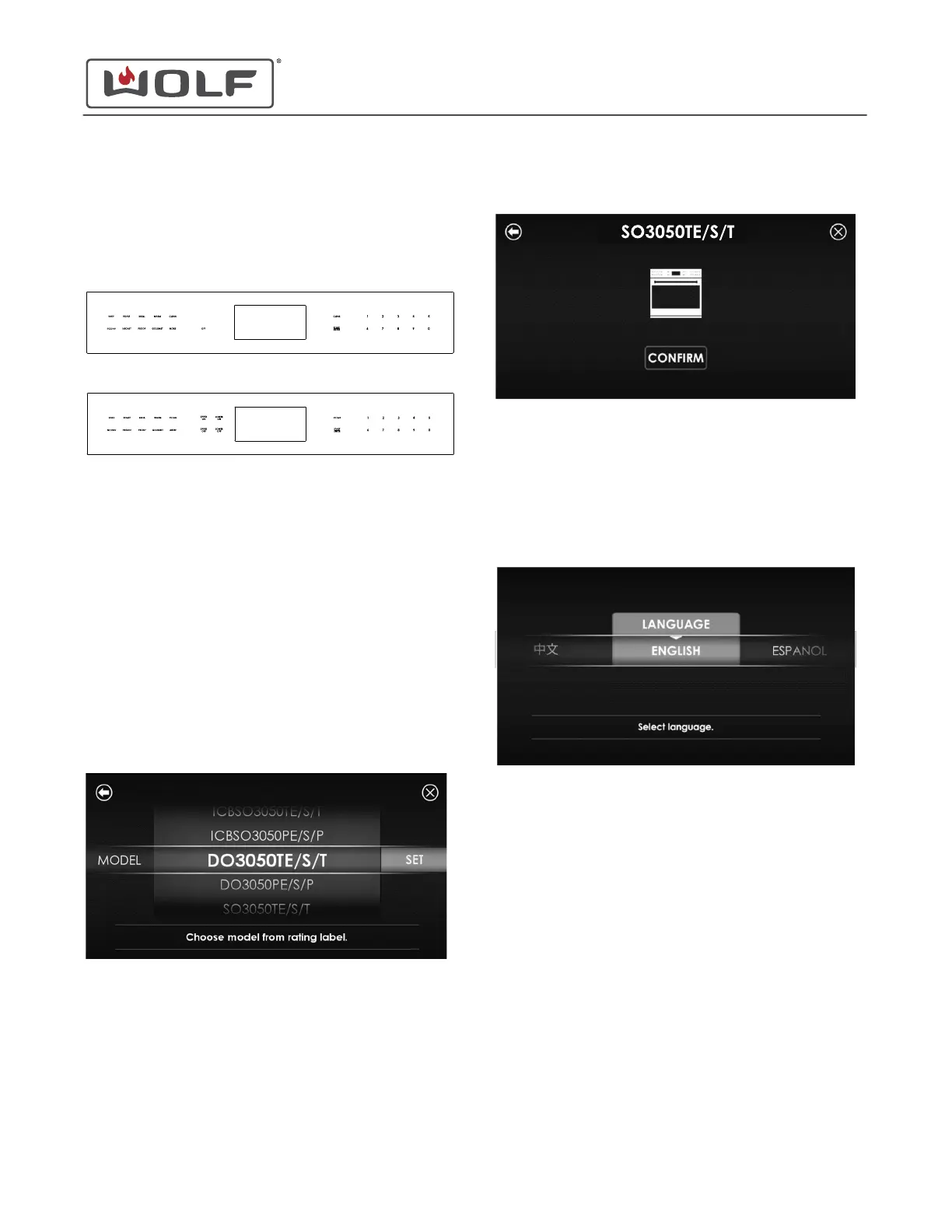
Single Oven Control Panel
Double Oven Control Panel
INITIAL POWER-UP SCREEN
When turning on the unit for the first time, the Set Model screen
appears.
When the unit is energized after the model has been set:
• On a 50 Hz electrical supply, the Set Language screen
appears, then the Set Time Format screen.
• On a 60 Hz electrical supply, the Set Time Format screen
appears.
Set the Model
1 Scroll up or down to highlight the correct model number.
2
Touch Set or Start/Enter. The confirmation screen appears.
3 If the model number is correct, touch Confirm or Start/Enter.
The Set Language or Set Time Format screen appears.
Set the Language on Power-Up
1 The Language Selection screen appears.
The available languages are:
• English
• Spanish
• French
• German
• Italian
• Dutch
• Chinese
E Series Oven
Settings
SETTINGS
service.subzero.com
829345 REVA
2



 To Next Page