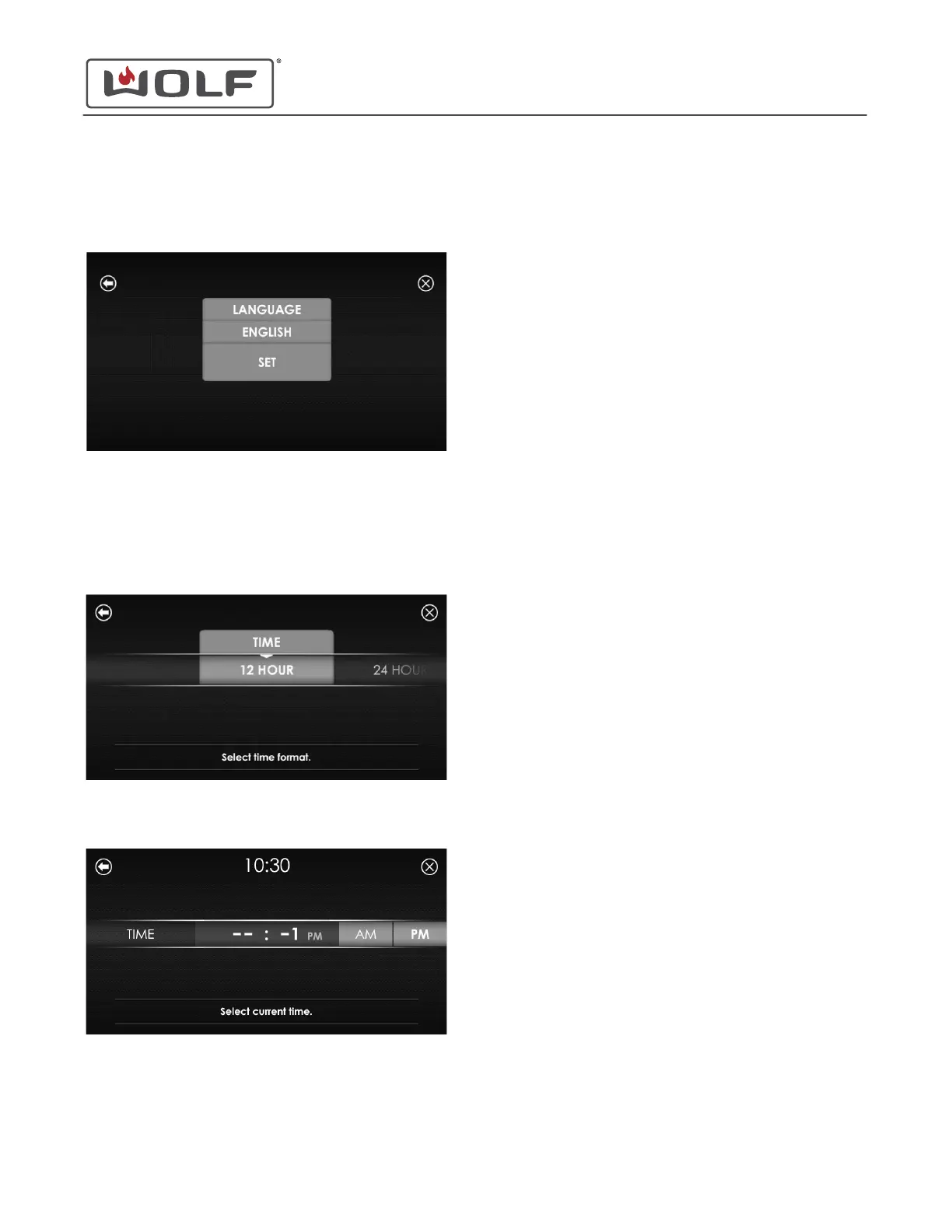
2 Scroll left or right to highlight the desired language. Touch
Start/Enter or the highlighted selection. The Set Language
screen appears.
3 Touch Start/Enter or Set.
Set the Time on Power-Up
1 The Select Time Format screen appears.
2 Scroll left or right to highlight the 12-Hour or 24-Hour
option. Touch Start/Enter or the highlighted selection. The
Select Current Time screen appears.
3 Enter the current time on the keypad. Touch AM or PM.
4 Touch Start/Enter. The Home screen appears.
E Series Oven
Settings
SET THE LANGUAGE ON POWER-UP (continued)
service.subzero.com
829345 REVA
3



 To Next Page