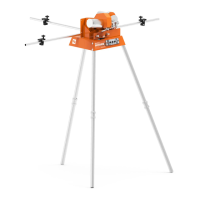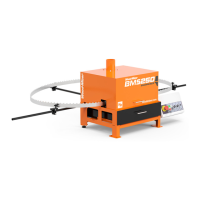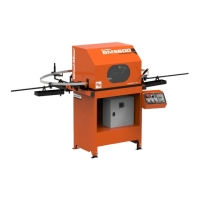
EasyManua.ls Logo

Wood-mizer BMS500 - User Manual

Wood-mizer BMS500
89 pages
Print Icon
To Next Page IconTo Next Page
Loading...
Wood-Mizer
®
Safety, Operation , M a i ntenance
and Parts Manual
Industrial S h a rp e n er
BMS500 Rev. A1.07
BMS600 Rev. A1.06
Safety is our #1 concern! Read and
understand all safety information and
instructions before operating, setting up
and/or maintaining this machine.
Form # 943
!

Table of Contents

Questions and Answers

  • M
    melissa07Aug 9, 2025
    What to do if the "POWER DEFAULT" message appears on the Wood-mizer BMS500 display?
    • A
      Angela CopelandAug 9, 2025
      If the "POWER DEFAULT" message appears on the Wood-Mizer Power Tool display due to a power supply interruption, press the START button to resume the interrupted sharpening cycle. Alternatively, if the cause is not mentioned, press the RESET button to restore the last saved number of teeth and cycles.
  • M
    Matthew JohnsonAug 23, 2025
    Why does the "IMPULSES DEFAULT" message appear on the Wood-Mizer Power Tool display?
    • A
      antonio61Aug 23, 2025
      If the "IMPULSES DEFAULT" message appears on the Wood-Mizer Power Tool display due to a malfunction of the induction sensor or its circuit, repair the induction sensor and then press the RESET button.

Wood-mizer BMS500 Specifications

General IconGeneral
BrandWood-mizer
ModelBMS500
CategoryPower Tool
LanguageEnglish

Related product manuals