Safety
Keep Safety Labels In Good Condition
1
1-10 15doc082114 Safety
Keep Safety Labels In Good Condition
IMPORTANT! Always be sure that all safety decals are clean and
readable. Replace all damaged safety decals to prevent personal
injury or damage to the equipment. Contact your local distributor, or
call your Customer Service Representative to order more decals.
IMPORTANT! If replacing a component which has a safety decal
affixed to it, make sure the new component also has the safety decal
affixed.
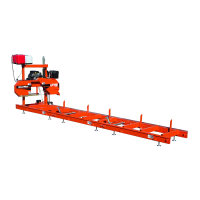
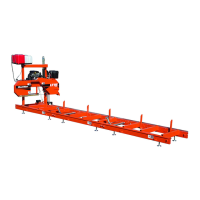
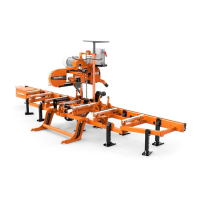
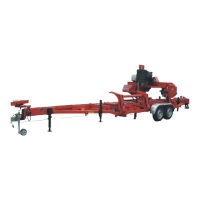
See Table 1-1. Pictogram decals used to warn and inform the user about danger in the LT10.
TABLE 1-1
Decal View W-M No. Description
096317 CAUTION! Read thoroughly the manual
before operating the machine. Observe all
safety instructions and rules when
operating the sawmill.
099220 CAUTION! Close all guards and covers
before starting the machine.



 To Next Page
 Loading...