10
Connecting with Bluetooth (Continued)
Go to the Bluetooth settings of
your device and select the Play-Fi
speaker name.
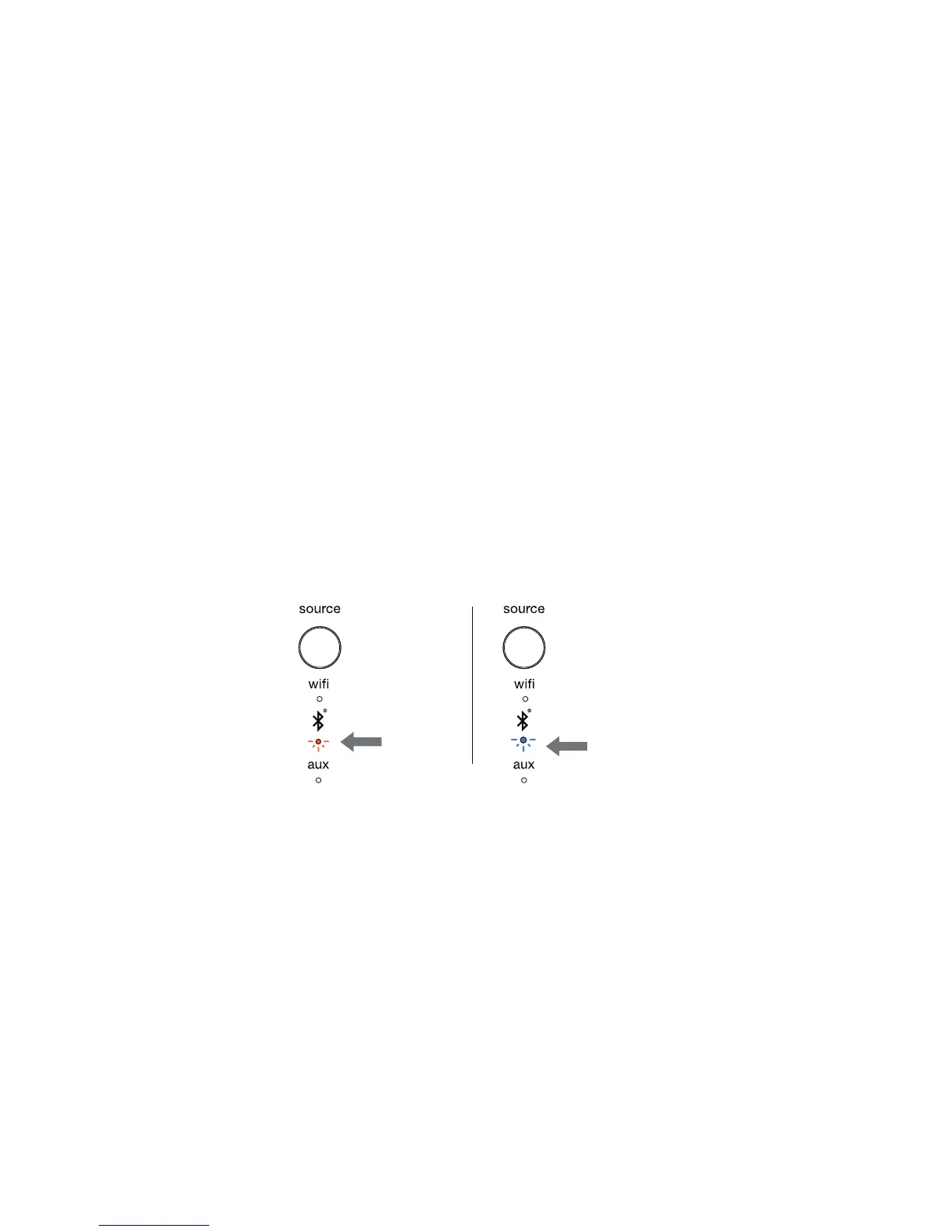
The Bluetooth indicator will begin blinking two times per second when
pairing is in progress (Fig. 3).
When the connection is successful, the Bluetooth indicator on the Wren
speaker will turn solid blue (Fig. 4).
Once your device has paired with the Wren speaker, you will not need to
pair it again. You will be able to connect and disconnect using your device’s
Bluetooth settings.
For more information on connecting with and using Bluetooth, see the
section on Bluetooth in the Setup Guide.
Figure 3 • Pairing
blinking
amber
Figure 4 • Connected
solid
blue



 To Next Page