8
AC INPUT
100-240 VOLT
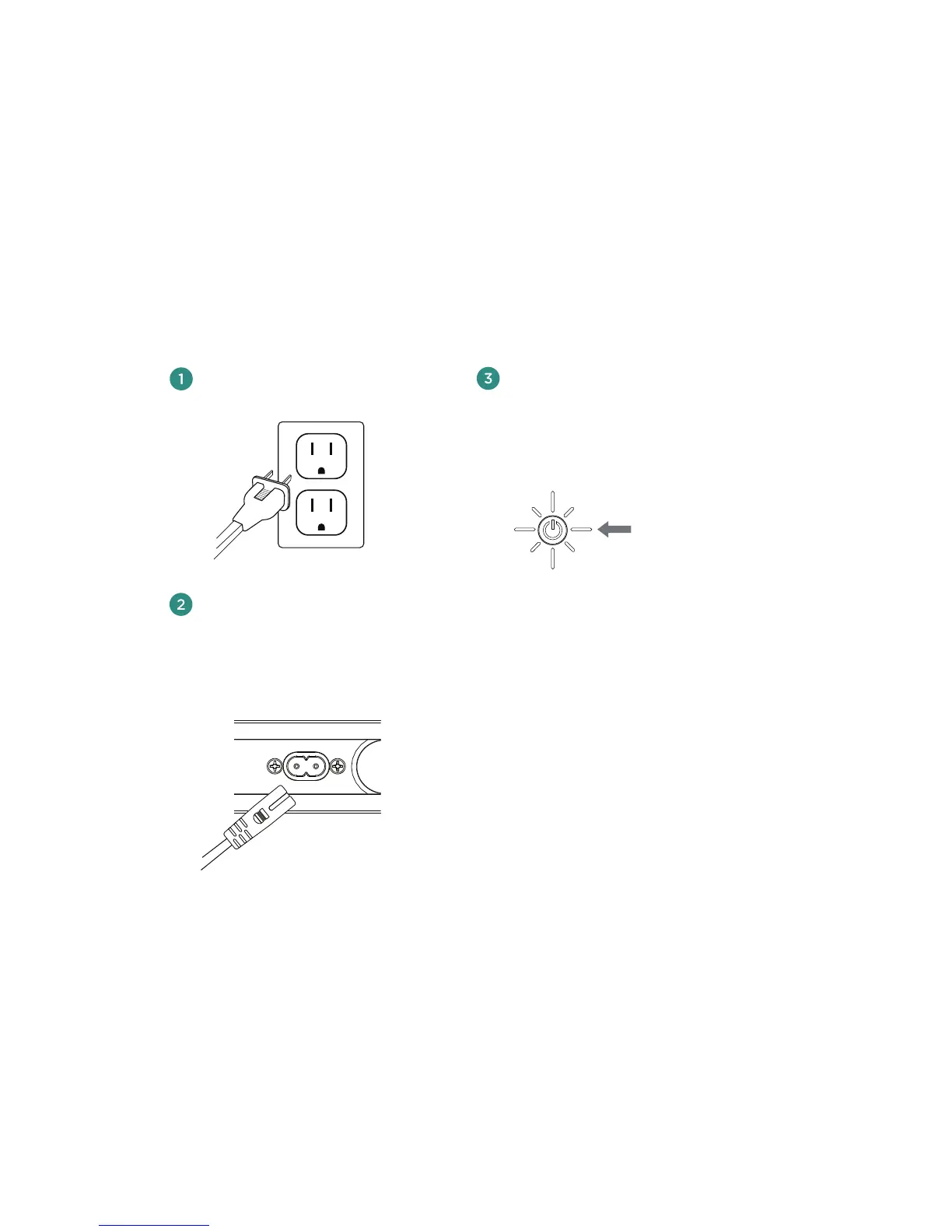
Powering on your Wren V5US
Press power button.
The power indicator will blink
white until the system is ready.
When the system is ready, the
power indicator will remain white.
solid white
Connect power cord to AC outlet.
Connect power cord to power
input on rear of speaker.
The power indicator in the center of the
power button will flash white for about
10 seconds, then turn o.



 To Next Page