English
27
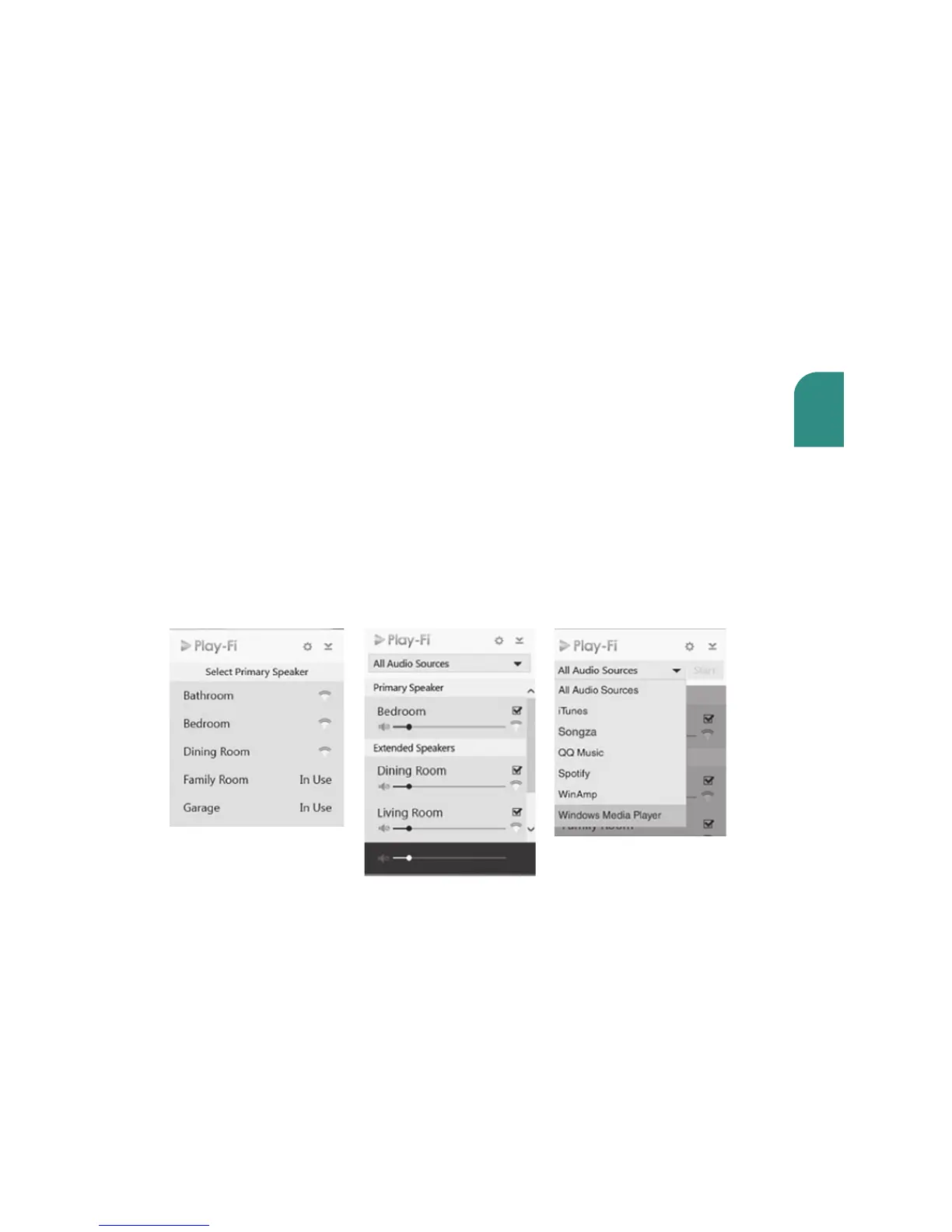
To send songs to any speaker, simply click the icon in the system tray to see and choose
from the available speakers. Pick a favorite, and you are good to go. Adding a speaker?
The app makes set up a snap, too. And with Play-Fi HD, you can access your entire
speaker network for true multi-room enjoyment. Choose from the limitless music options,
and Play-Fi will deliver perfectly synchronized audio everywhere.
Play-Fi HD also oers highly selective music streaming. Use the built-in source selector
to choose which audio stream, app, or service to send to the speakers. Play-Fi sends the
music where you want, and all other sounds (like annoying ads and notifications) remain
on the PC where they belong.
Using the special Play-Fi App for
Windows 7 and higher



 To Next Page