34
Using Bluetooth (cont.)
Problem connecting? Visit wrensound.com/support for additional help.
To clear the V5US’s memory of all
paired devices, press and hold the
Setup button on the rear of your V5US
and, while holding the Setup button,
press the Power button on the front
control panel. The Volume indicator
will blink amber two times to indicate
that the memory has been cleared.
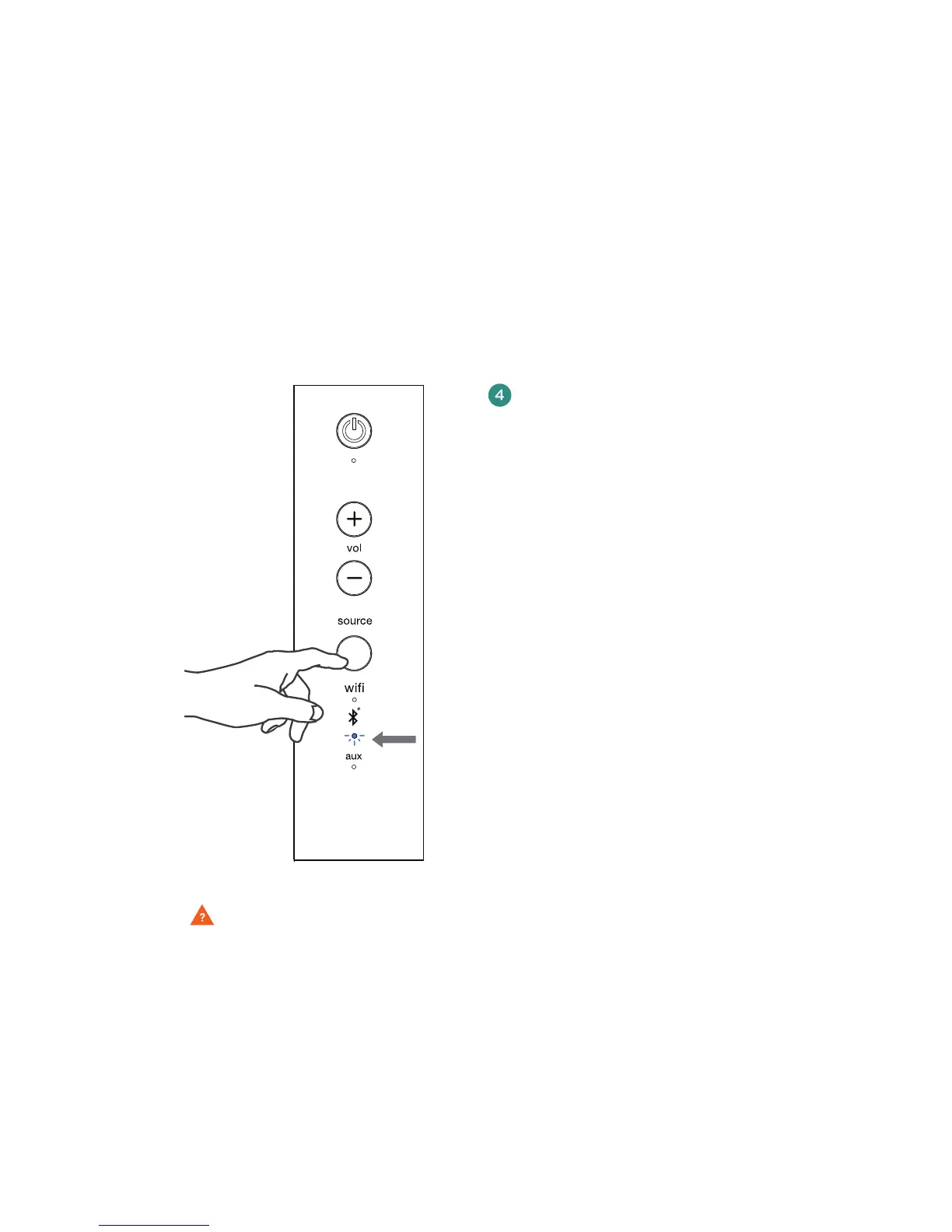
When the V5US is powered on again,
and Bluetooth has been selected as
the source, it will be in pairing mode
and ready to pair with a Bluetooth
device (see “Pairing with your V5US”
on pages 31-32).
Note:Clearing the V5US’s memory will
also clear any WiFi connection between
your V5US and your network. To reconnect,
follow the instructions for connecting
your device.
After you have cleared your V5US’s
memory, you must delete the Wren speaker
from your source device’s list of available
Bluetooth devices before you can pair it
with the V5US again. To delete a previously
paired Wren V5US from your source device’s
memory, follow the directions provided by
the manufacturer.
solid
blue
Figure 5



 To Next Page