English
15
Once you have successfully set up your Wren V5US speaker, simply launch the Wren
Play-Fi App on your Android device or the iOS Play-Fi App on your iOS device. The App
will verify the connection with all Play-Fi speakers on your network. It’s that simple.
Questions? Visit wrensound.com/support for additional help.
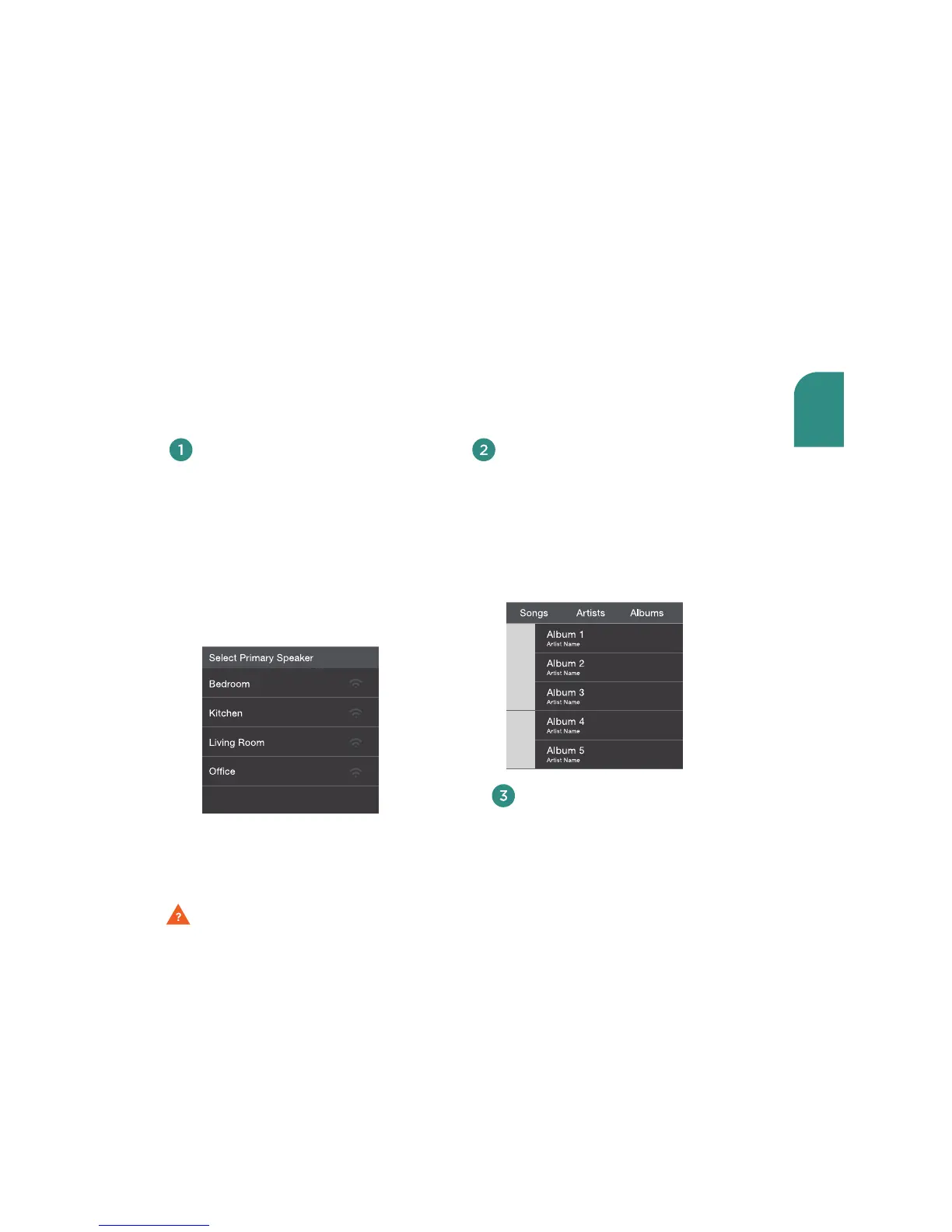
Select the speaker(s).
Choose a single speaker in one
room, or link all your speakers for
a whole-home listening experience.
You can control the volume of
each speaker independently using
the individual speaker volume
controls, or control all speakers
simultaneously using the master
volume control.
Enjoy!
Sit back and enjoy the music. (And if
you must check your email, feel free —
the Play-Fi App runs smoothly in the
background.)
Select your music.
See every song stored on your device,
(searchable by album, artist, genre
or folder). Or choose from one of the
integrated streaming audio services.
More streaming audio sources are planned
and will be available in the future.
Using the Play-Fi App on your
Android or iOS device



 To Next Page