16
This is our recommended method for connecting using an iOS device. You can also
use the Web Server Method, described on page 22.
The Play-Fi WiFi Setup enables you to set up multiple Wren V5US speakers at once.
For best results, place your Wren V5US speaker(s) near your router. You can move
the speaker(s) after setup is complete.
Once you have completed this setup procedure, you can stream music to your V5US
using AirPlay on your iOS device(s). In addition, you can use the Play-Fi App on
your iOS device(s) to stream music to multiple V5US speakers on your network.
Download and install the free Play-Fi
App (search for “Play-Fi”) from the
Apple App Store.
Before you proceed, make sure you
know the name of the WiFi network
you wish to use if you have more than
one network; it is also important to
note upper and lower case as well as
spacing and the use of any special
characters (e.g., “Asus_3b”). Make
sure you also know your network
password if you have one.
amber
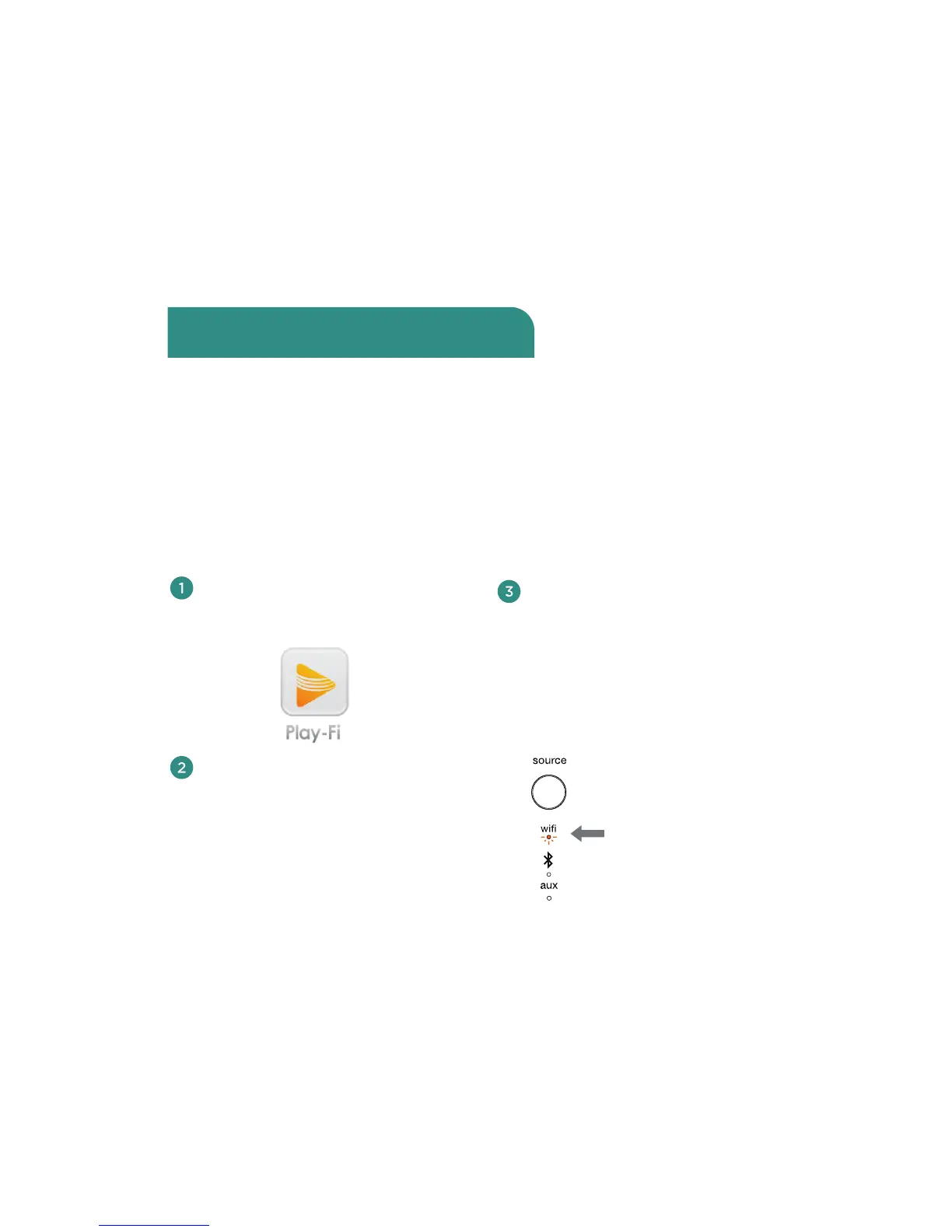
Turn on your speaker(s). The first
time you turn on the Wren V5US, it
will start up in WiFi Connect Mode
(indicated by the WiFi indicator
blinking amber). In this mode, the
speaker is broadcasting a signal
telling iOS devices that it is ready
to connect.
Connect using iOS Devices with the
Play-Fi iOS App (recommended)



 To Next Page