English
17
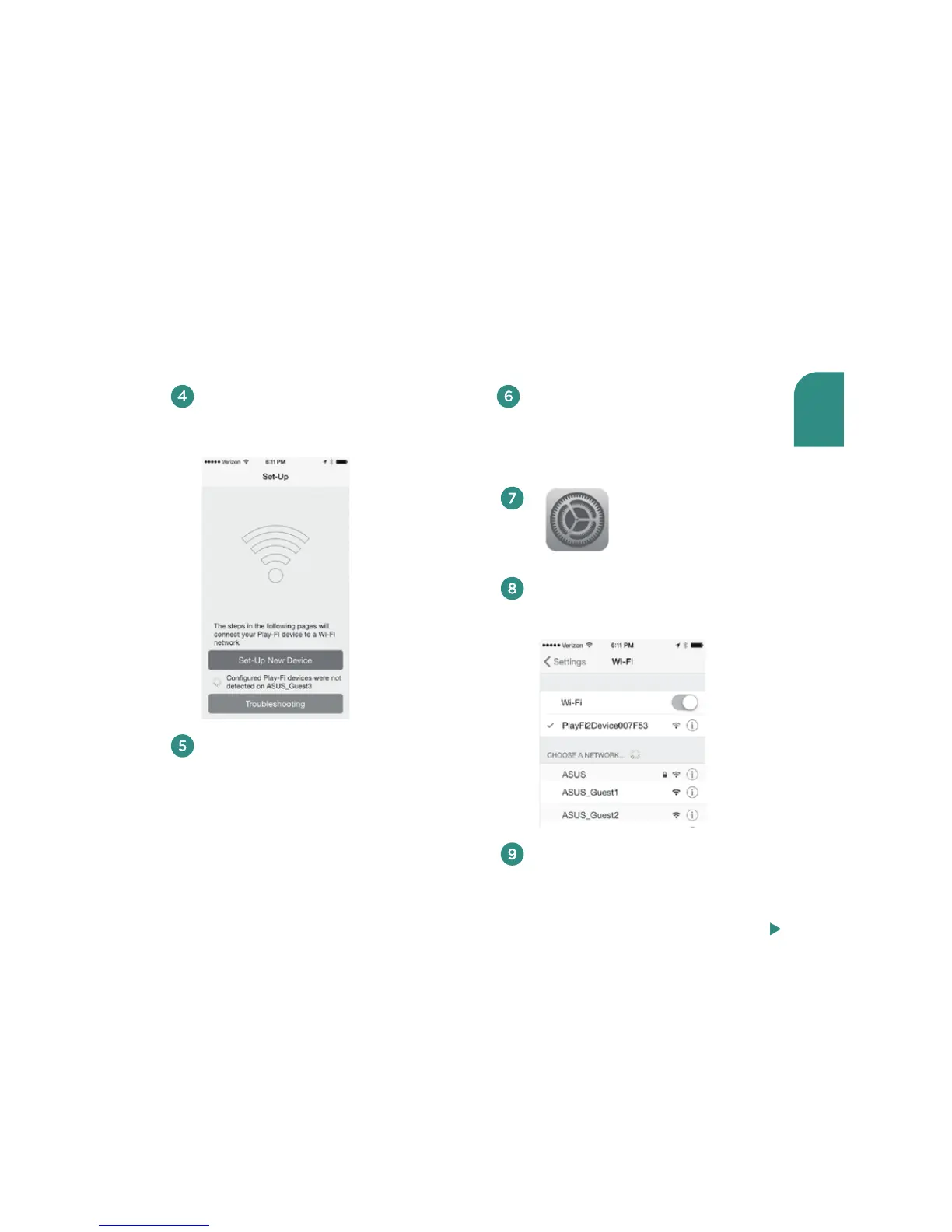
Choose “Set-Up New
Device” on the Play-Fi
App Setup screen.
Exit the Play-Fi App and select WiFi in
the Settings app on your iOS device.
In the drop-down list of networks,
select the option with the words
“PlayFiDevice.”
Launch the Play-Fi App on your iOS
device. After about 5 seconds, you will
get the Setup screen.
Make sure your V5US’s WiFi indicator is
amber and pulsing slowly. If this is not
the case, make certain that your V5US is
turned on (the Power button will be lit
white) and that your source is set on WiFi.
Then press and steadily hold down the
Setup button on the rear panel until the
amber light is on and pulsing slowly
(about seven seconds).
Follow the Play-Fi App’s on-screen
instructions on your iOS device’s
screen or refer to the step-by-step
instructions that follow below.
Settings
Steps 10-14, next page



 To Next Page