English
21
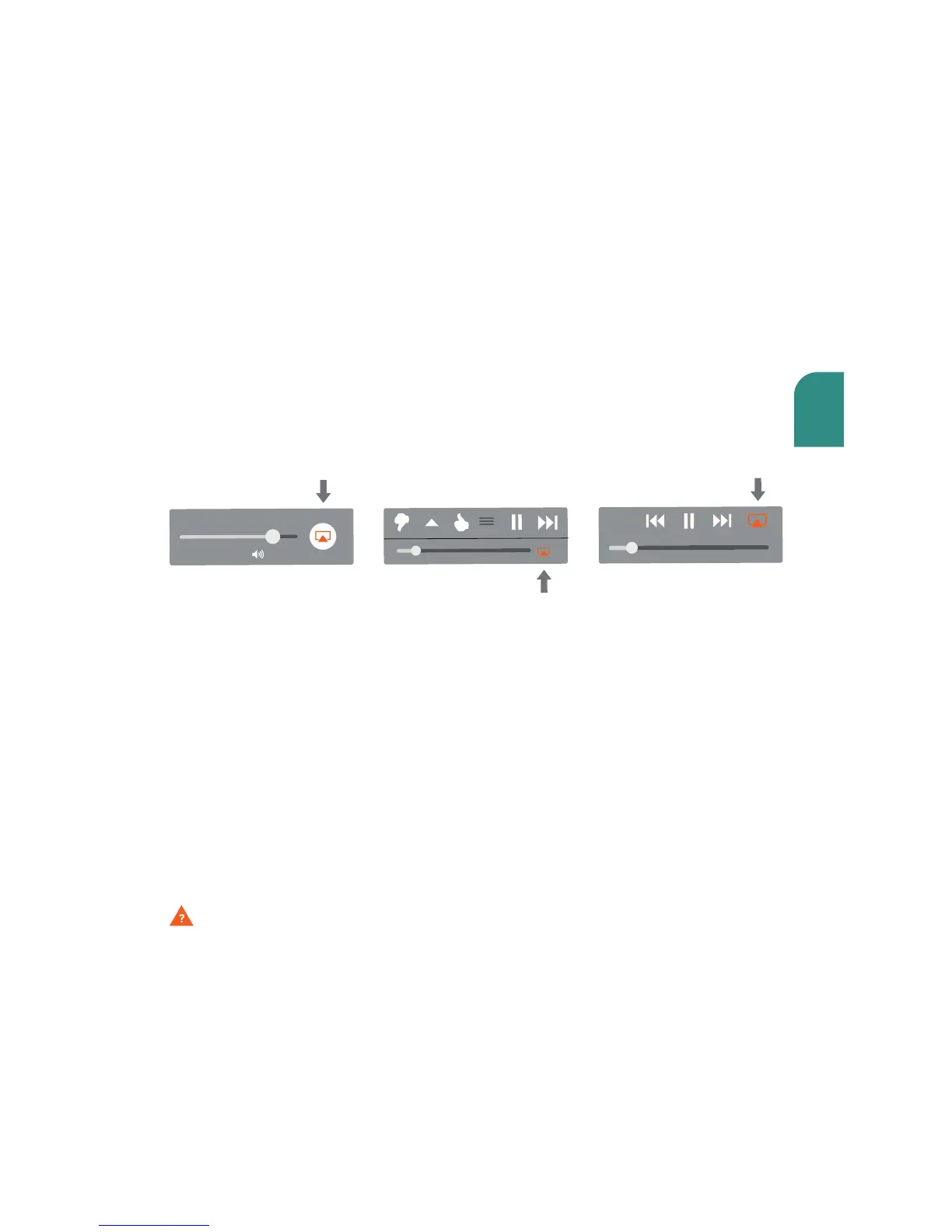
Once you have successfully set up your Wren speaker, locate and press the AirPlay
icon on your music app to begin playing music. Note that the location of the
AirPlay icon will dier depending on the music player you are using. Below are
some examples.
Questions? Visit www.wrensound.com/support for additional help.
Using AirPlay on Your iOS device
(iPad, iPhone, iPod Touch)



 To Next Page