English
11
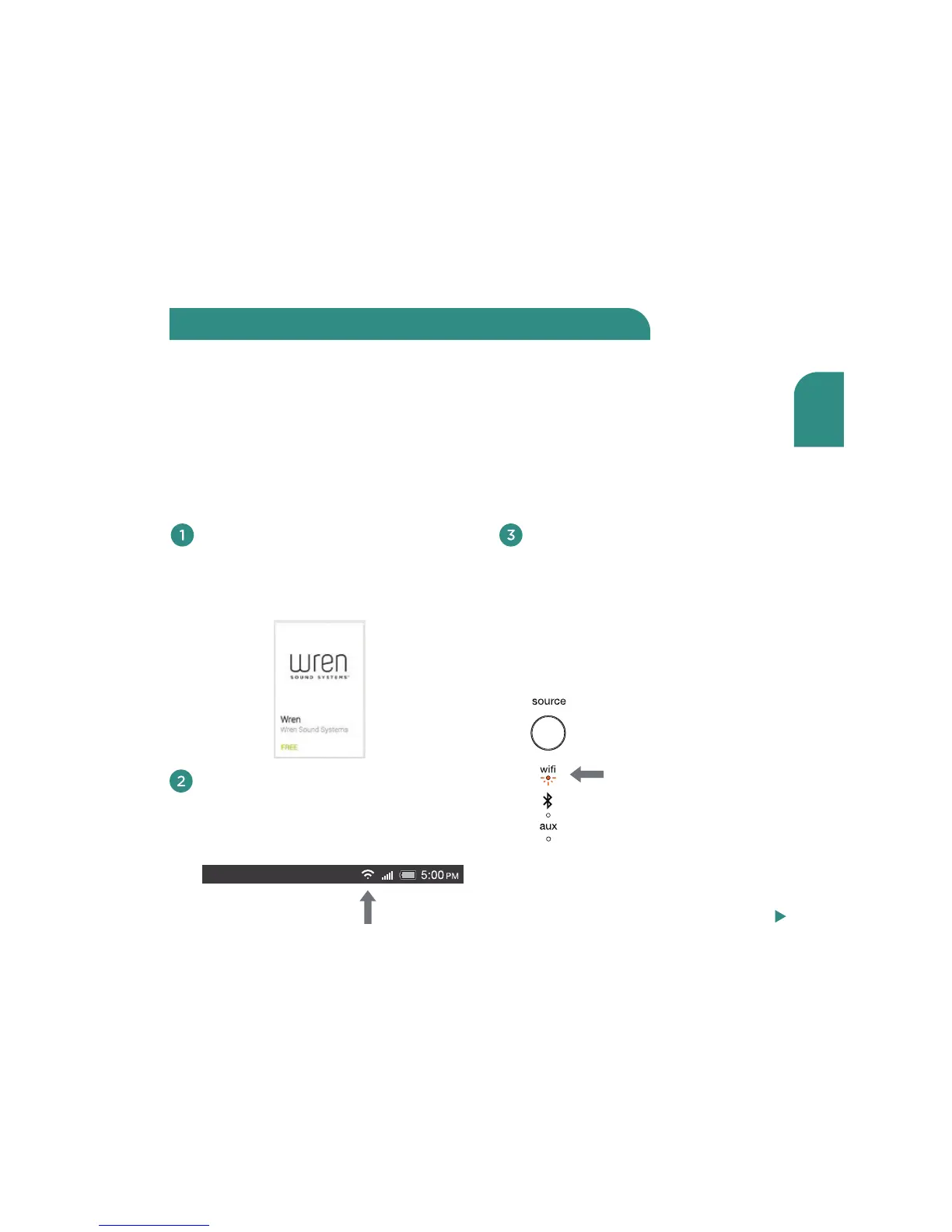
Download and install the free
Wren Play-Fi App (search for
“Wren Play-Fi”) from the Google
Play Store or the Amazon App Store.
Turn on your speaker(s). The first
time you turn on the Wren V5US, it
will start up in WiFi Connect Mode
(indicated by the WiFi indicator
slowly blinking amber). In this
mode, the speaker is broadcasting
a signal telling Android devices
that it is ready to connect.
Standard WiFi Setup enables you to set up multiple Wren V5US speakers at once.
For best results, place your Wren V5US speaker(s) near your router. You may move the
speaker(s) after setup is complete.
Standard WiFi setup using an Android
smartphone or tablet
Connect to your network using Android devices
Connect your Android phone or
tablet to the same WiFi network that
you want to use to stream music to
your Wren V5US speaker(s).
amber
Steps 4-8, next page



 To Next Page