English
29
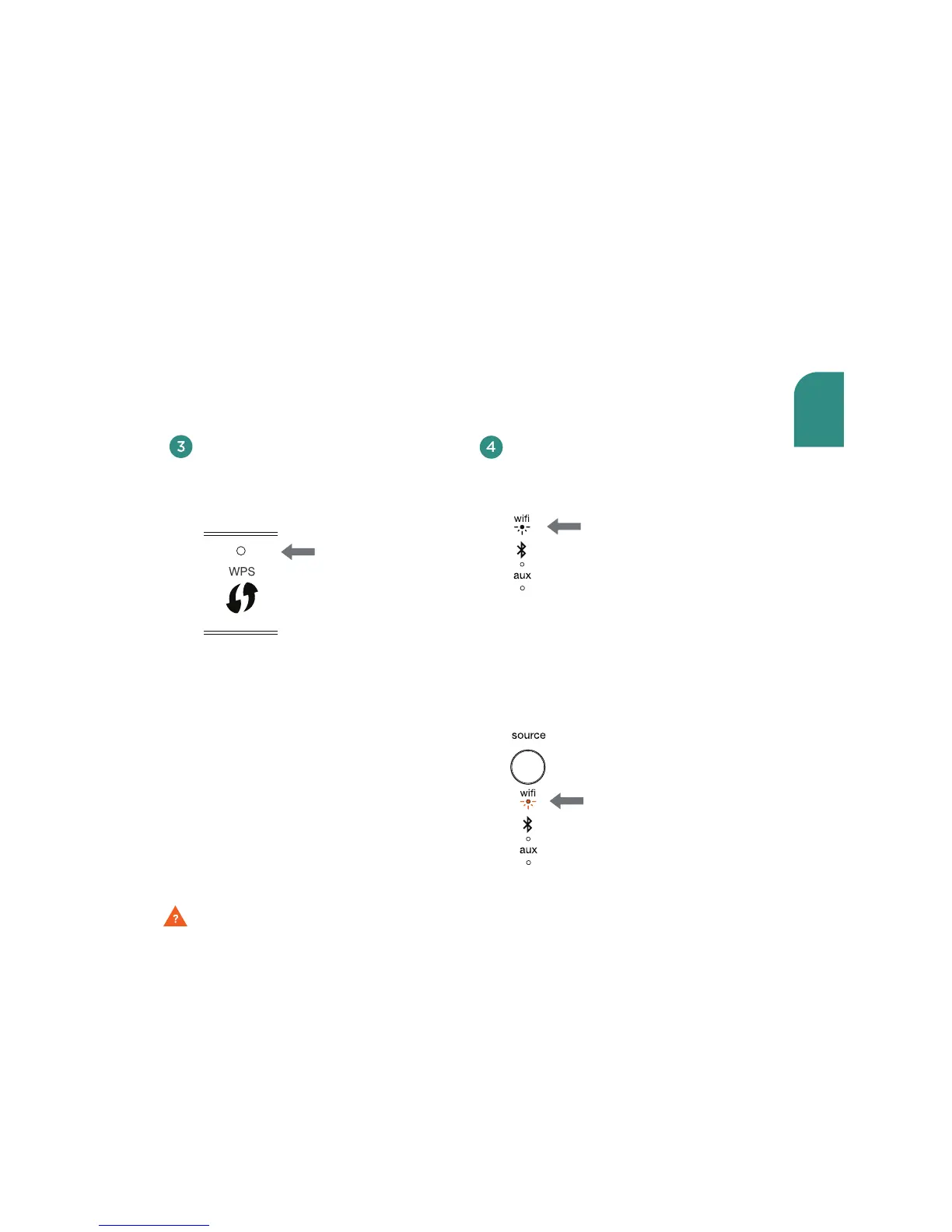
When the secure connection is made,
the WiFi indicator on your Wren V5US
will stop blinking and remain solid white.
How To Exit WPS Mode
If during the setup process you need
to exit the WPS Setup Mode, press the
Source button once. The speaker will
then return to its previous mode.
Problem connecting? Visit wrensound.com/support for additional help.
Place your router in WPS Mode.
Usually this is done by holding the
router’s WPS button, but check
your router owner’s manual.
solid
white
amber



 To Next Page