English
5
Power on to enter set up mode
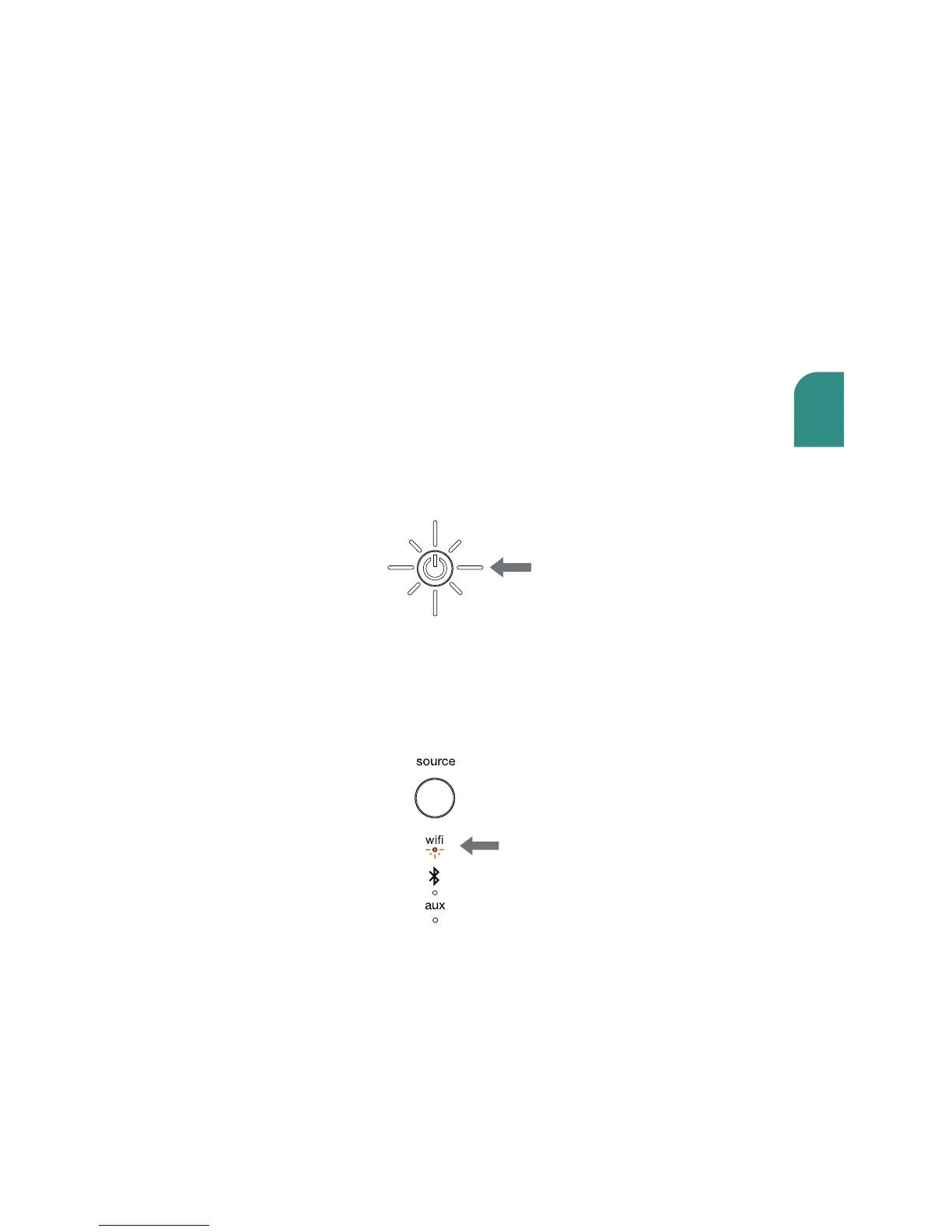
Press power button.
The power indicator will blink white until the system is ready. When the
system is ready, the power indicator will remain solid white.
solid white
Turn on your speaker(s).
The first time you turn on the Wren V5US, it will start up in WiFi Connect
Mode (indicated by the WiFi indicator slowly blinking amber). In this mode,
the speaker is broadcasting a signal telling source devices that it is ready
to connect.
amber



 To Next Page