PPG DIGIMATCH SPECTROPHOTOMETER
13
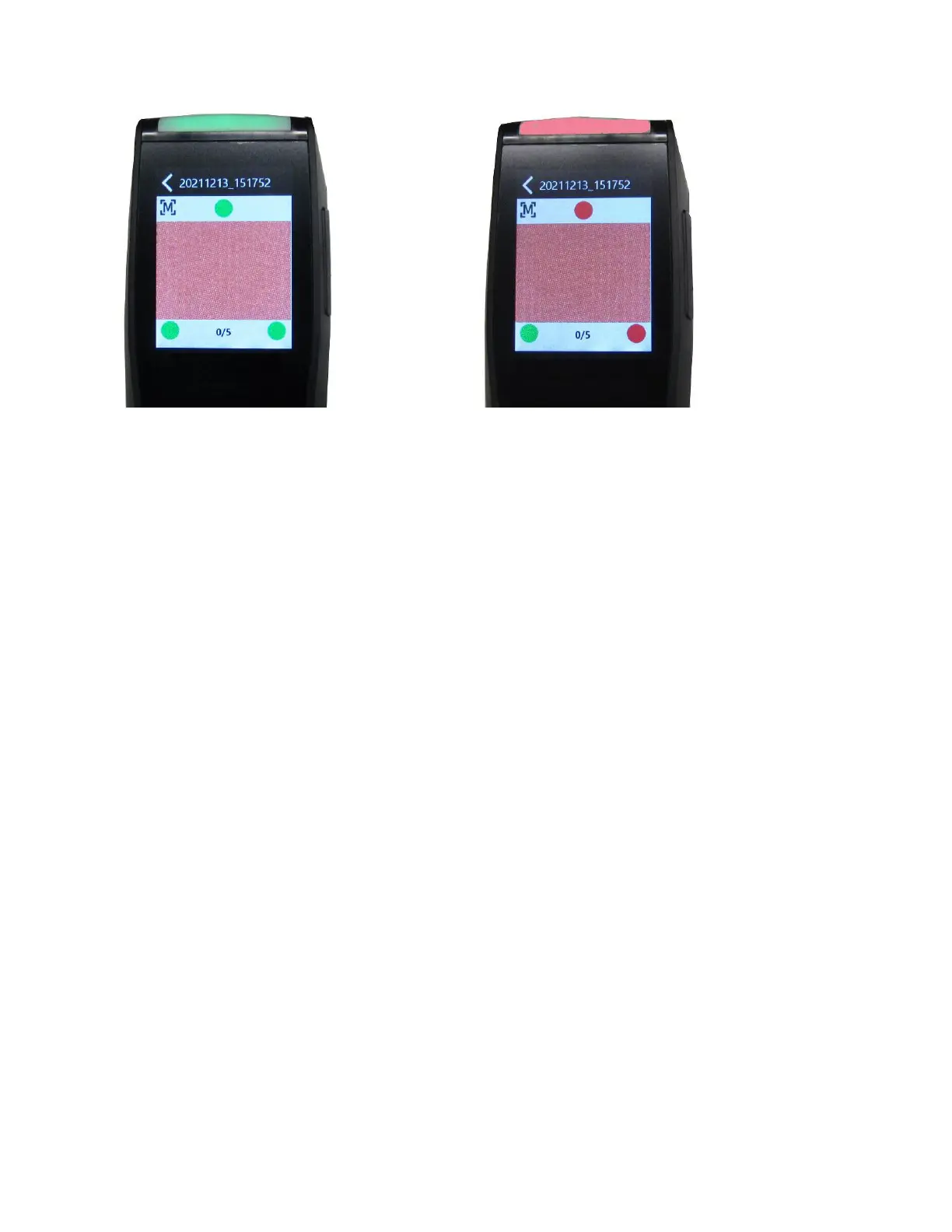
Example 1: All pressure sensors are
contacting correctly, and a measurement can
be triggered
Example 2: Two pressure sensors are
not contacting, and the measurement
cannot be triggered
The multi-color LED located on the top/front of device provides visual feedback on the status of a measurement
and pressure sensor switches.
Green LED: Indicates the device is powered up. It also indicates that all three pressure sensors are
activated properly, and a measurement can now be triggered.
Red LED: Indicates one or more of the pressure sensors is not properly activated or an error has
occurred during a measurement.
Blue LED: Indicates the device is charging with the USB cable plugged into the computer. In sleep mode
the screen is darkened.
White LED: Indicates the device is being powered up.
LED Off: Indicates the device is either in battery mode, stand-by or off.



 To Next Page