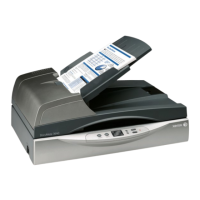
Xerox
®
DocuMate
®
3220
User’s Guide
190
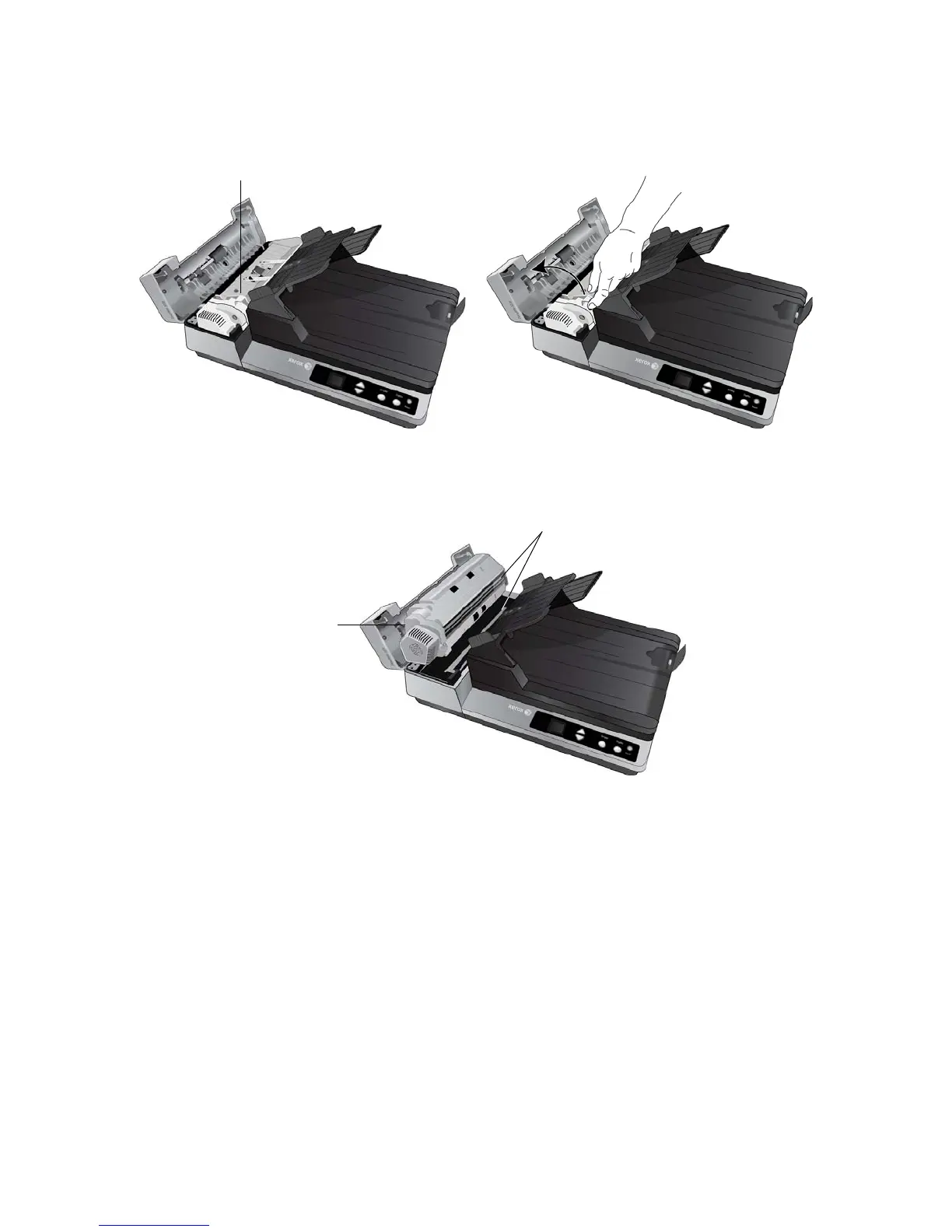
5. Lift up the duplex lamp module to access the underside of the ADF.
6. Wipe clean the glass strip on the underside of the duplex lamp module.
7. Wipe clean the glass strip in the body of the scanner.
8. Gently lower the duplex lamp module back into the scanner.
9. Close the ADF cover. Carefully press down on the ADF cover until it locks in place with a “click”.
Pull up on this tab to lift the
duplex lamp module
Duplex lamp
module
Glass strips


 To Next Page
 Loading...