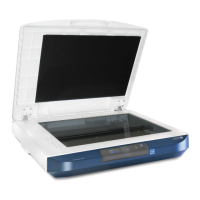
Xerox
®
DocuMate
®
3220
User’s Guide
46
Based on the recommended full installation of the scanner driver and the Visioneer OneTouch
software, OneTouch is your main scanning interface for using the scanner.
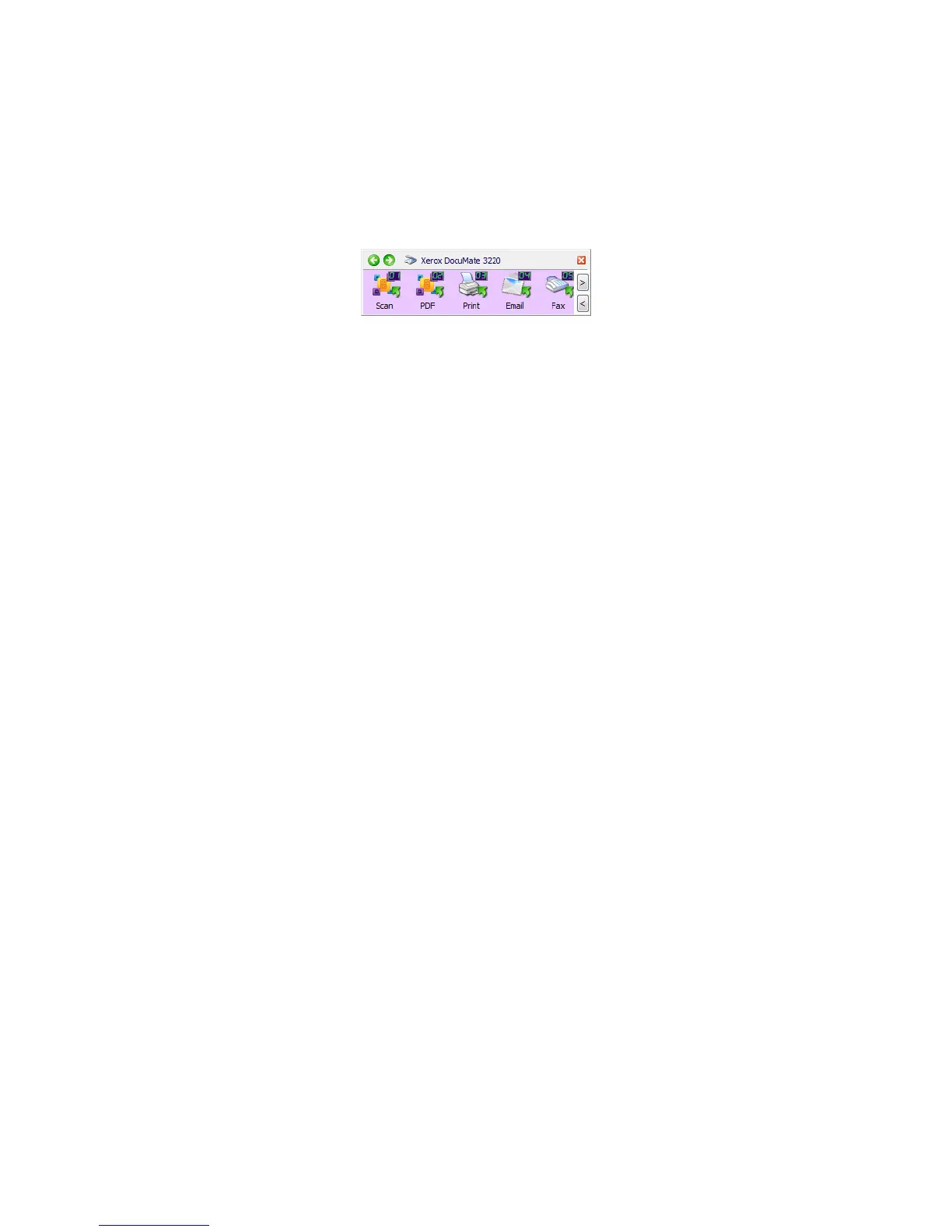
The OneTouch Button Panel, that you see on the computer screen, shows the pre-set function for each
button (such as
Email) and the icon of the destination (called the Destination Application) where the
images will be sent when scanning is finished.
The OneTouch button panel shows which application
the button is configured to send images to.


 To Next Page
 Loading...