Xerox
®
DocuMate
®
3220
User’s Guide
78
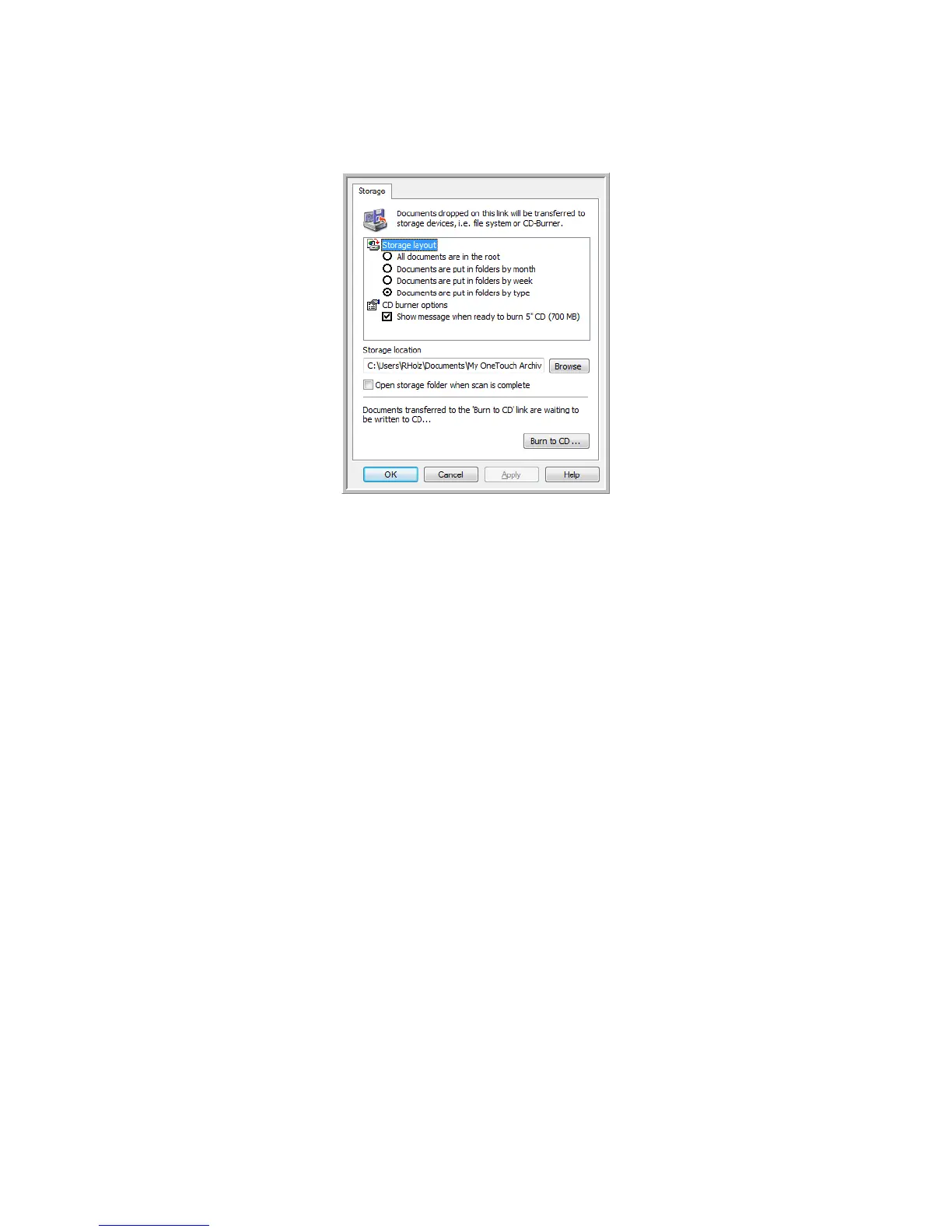
6. When you are ready to burn the files to a CD, open the OneTouch Properties window, select Burn
to CD
and then click the Properties button.
7. Make sure a blank CD is in the CD burner.
8. Click the
Burn to CD button. The CD burner begins and your scanned documents are written to the
CD.
If other files are also waiting in this location, they will get written with the OneTouch files on the
CD.


 To Next Page
 Loading...