Xerox
®
DocuMate
®
3220
User’s Guide
89
Double-click on any of the line items to open the selected log file in the Log File Detail View. If you
open a failed transfer, the log file may contain the information you need to determine why the transfer
failed. After you address the failure indicated in this log file, you can click the
Retry button to resend the
document to the server.
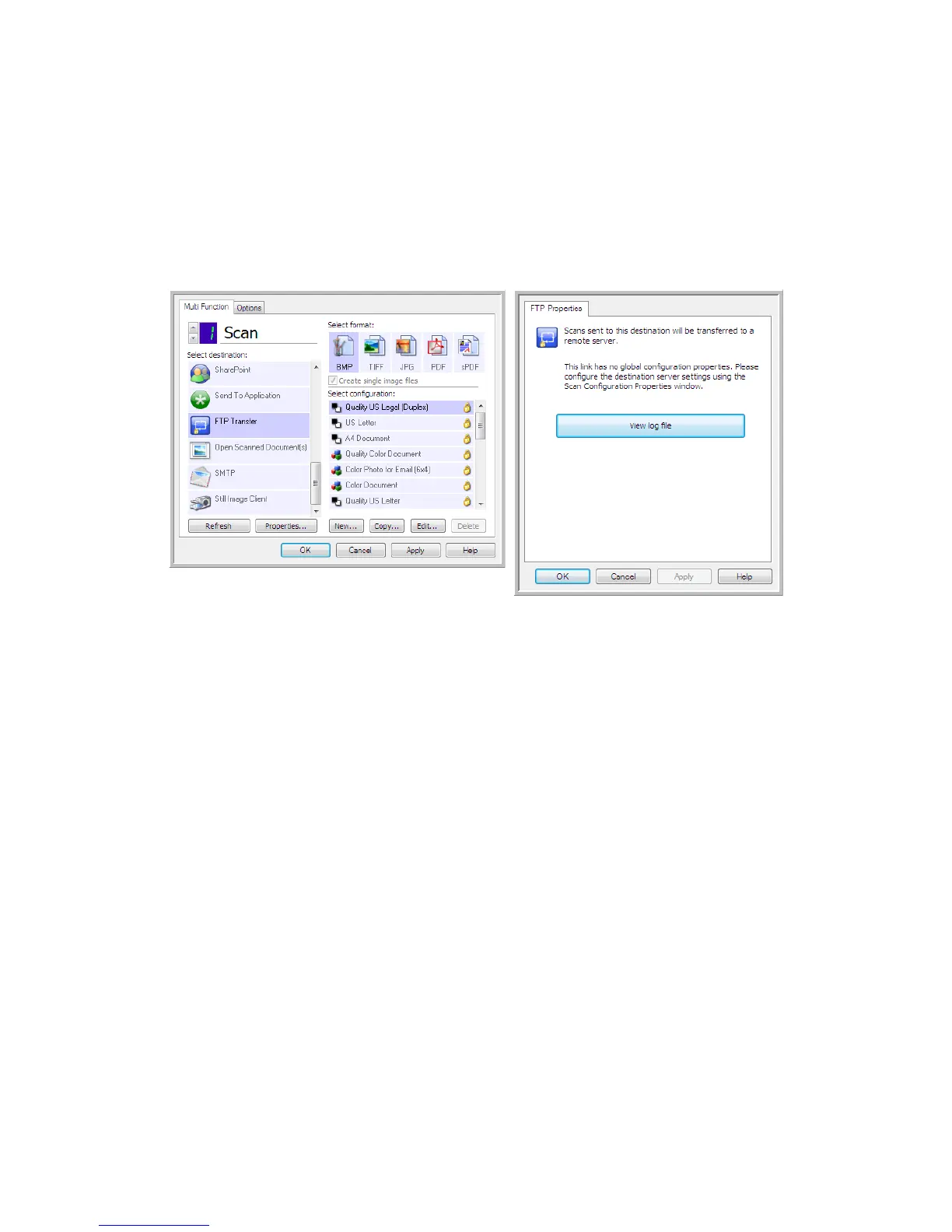
Click on the
Properties button to open the Log Viewer from the FTP OneTouch Link Properties window.
There are no global configuration properties for the FTP destination application, all configuration is
done using the Scan Configuration Properties window as described in the previous section.


 To Next Page
 Loading...