Clearing Paper Jams 53
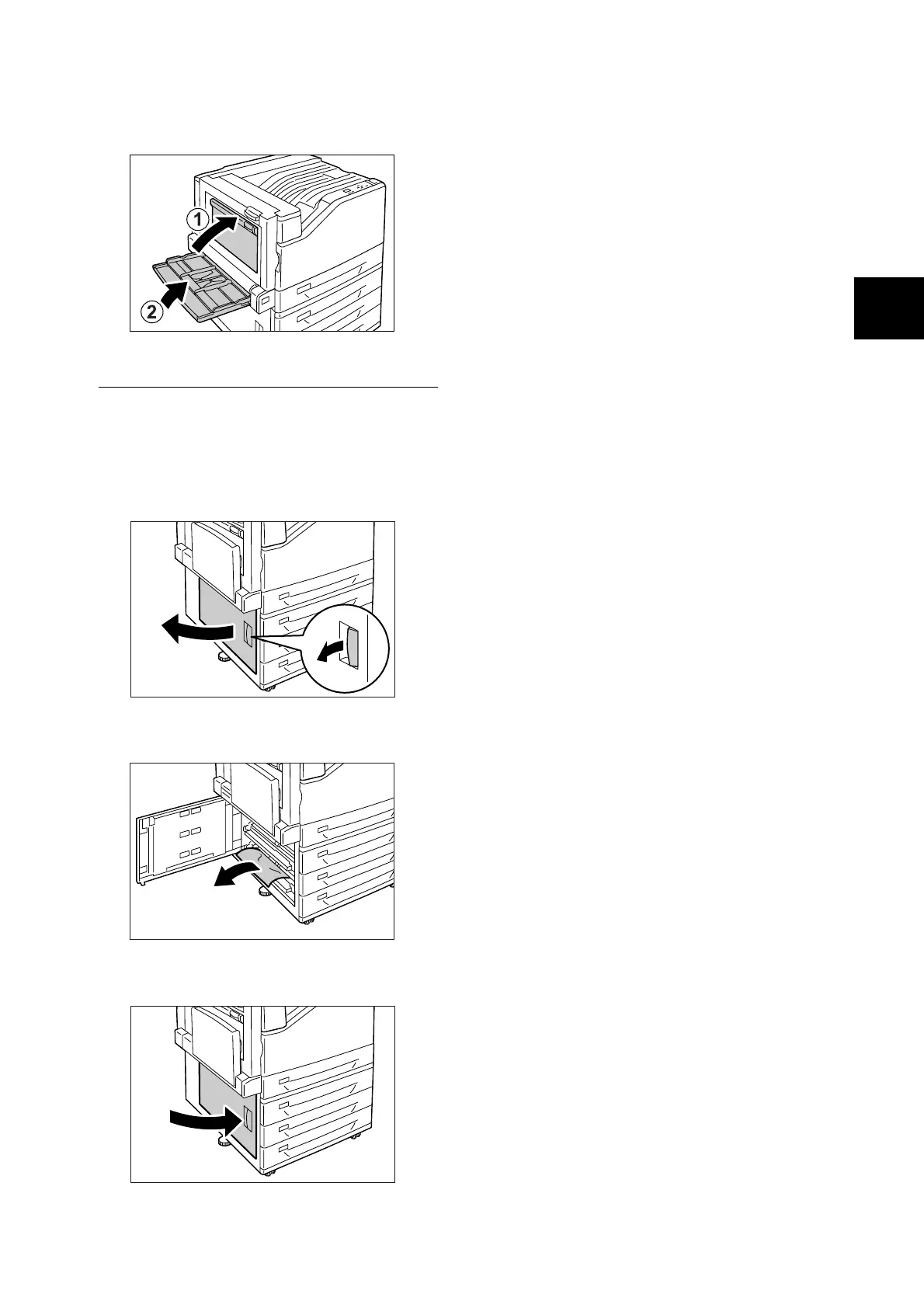
3. Close cover B and then raise the bypass
tray.
Paper Jam Inside Cover C
In the following example, the printer has a 3 Tray
Module (option) installed.
1. While pulling the release lever, gently open
cover C.
2. Remove the jammed paper.
3. Gently close cover C.

 To Next Page
 Loading...